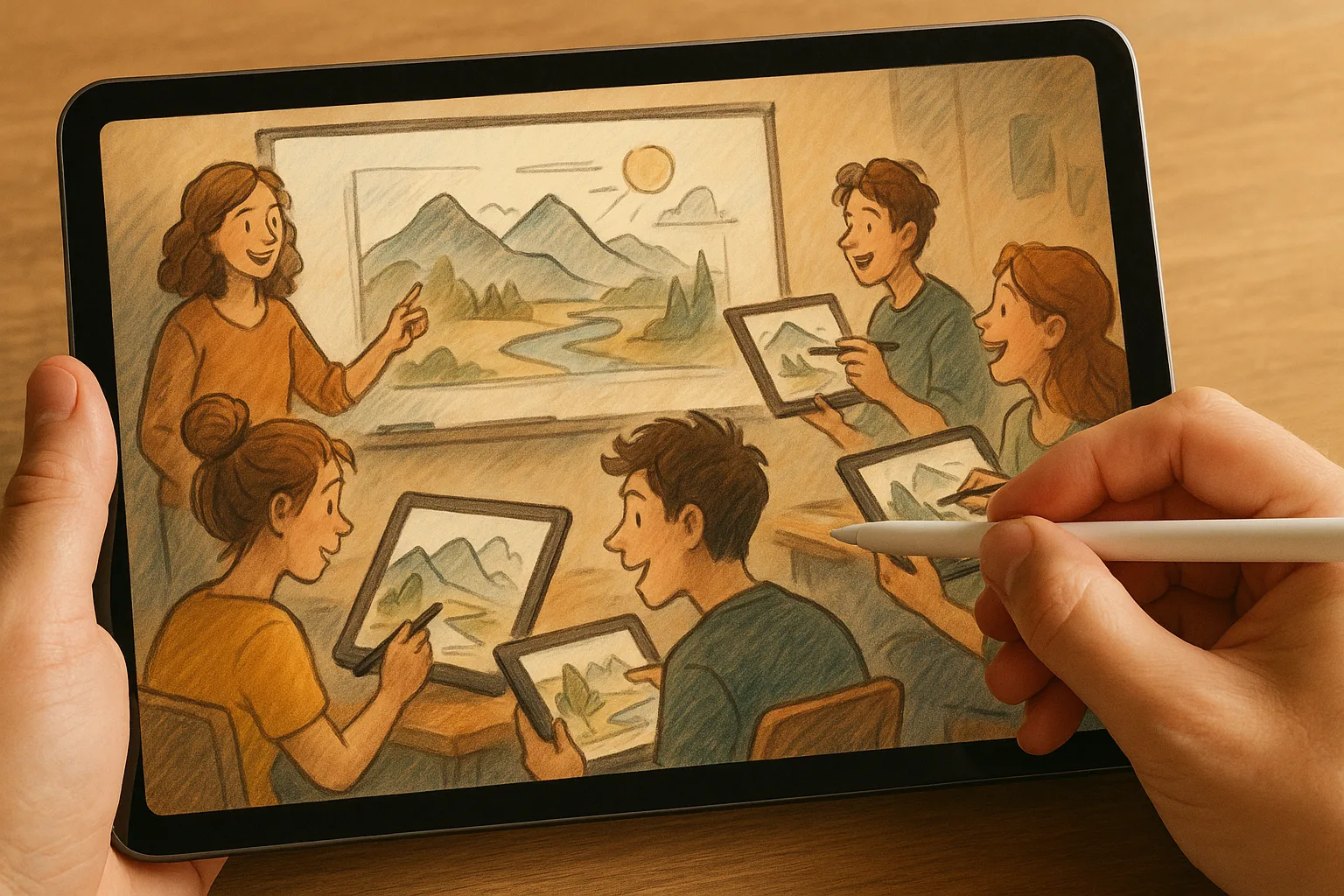
Sketching the Samara Landscape with iPad + Procreate
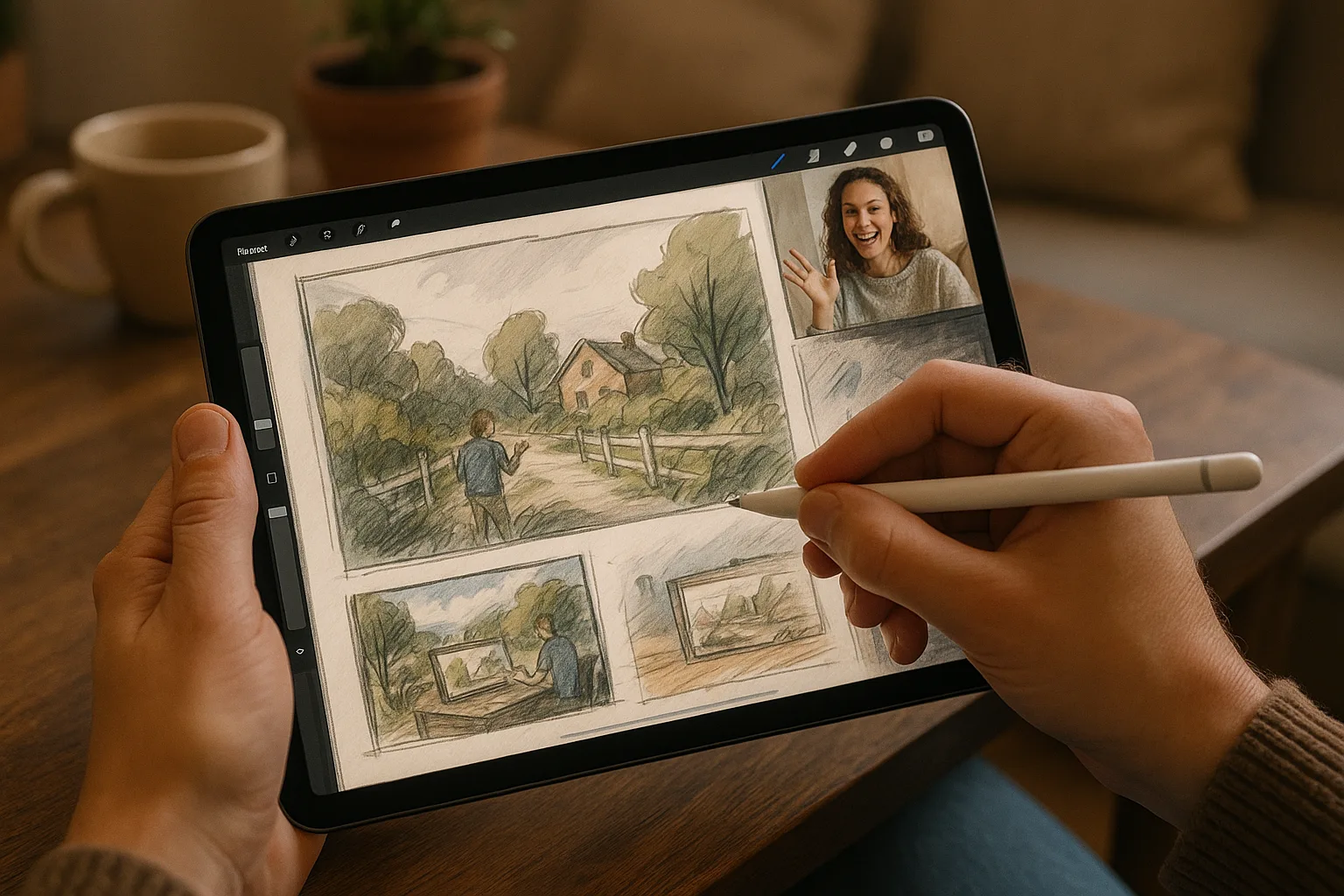
Capture the wide sweep of the Volga, the round shoulders of the Zhiguli Hills, and the layered textures of Samara’s embankment—without leaving your favorite café. This guide gives a compact, practical workflow and pro-level tips for sketching landscapes in Samara, Russia, using an iPad and Procreate.
Why Procreate for Samara Scenes
— Fast, tactile workflow ideal for plein-air and studio work.
— Pressure and tilt control with Apple Pencil for expressive linework.
— Layers, masks and brushes let you build complex river, sky and foliage textures non-destructively.
— Time-lapse capture is great for sharing a process of a Volga sunset or winter streetscape.
Gear & app setup
— iPad (Pro recommended) + Apple Pencil (2nd gen ideal).
— Procreate: latest stable version.
— Canvas: for screen/Instagram 2048–3000 px; for prints choose 3000–5000 px on the long side at 300 DPI (watch memory limits on older iPads).
— Enable: QuickShape, Drawing Assist (for perspective), streamline for inking if needed.
— Save frequently; export PSD/PNG/JPEG and back up to Photos/Drive.
Quick Procreate Brush Kit (suggested)
— Sketch: 6B Pencil or Technical Pencil — fast gesture & thumbnails.
— Inking: Technical Pen or Studio Pen — crisp lines for architecture.
— Block/Color: Round Brush (Medium) or Gouache — lay flats quickly.
— Texture/Foliage: Foliage/Brushing set or custom scatter brushes.
— Water & Reflections: Soft Brush + low flow with smudge.
— Final detailing: Small Round Brush + Noise/Grain texture.
— Smudge: Soft or Texture smudge for water and sky blends.
Samara-specific color palettes (sample hexes)
— Volga Deep Blue: #1E4F7A
— River Shallow / Sky Reflection: #6CA7D6
— Sandy Embankment: #D9B77A
— Zhiguli Greens: #6B8A4E
— Brick Roofs/City Warmth: #B54B3A
— Winter Neutrals: #BFC8D3, #7E8891
Use these as starting points; tweak saturation for season and light.
Fast workflow: from idea to finished sketch
1. Choose viewpoint
— Emphasize leading lines (river curve, embankment promenade).
— Consider Zhiguli silhouette or a wooden dacha cluster as a focal landmark.
2. Quick thumbnails (1–3 minutes each)
— Small canvas or tiny layer. Test horizon (rule of thirds), focal point, and foreground elements.
3. Under-drawing / gesture (5–10 minutes)
— Use 6B pencil; block major masses: sky, river, hills, buildings.
— Keep marks loose—capture angle and rhythm of embankment and shoreline.
4. Value block-in (10–20 minutes)
— Create a multiply layer and block lights/darks. Focus on value relationships—this sells distance on the Volga.
5. Color pass (15–30 minutes)
— Lay down local colors on separate layers. Use large soft brushes for atmosphere.
— Apply cooler, desaturated colors for distant Zhiguli hills; warmer, more saturated near foreground.
6. Textures and details (15–30+ minutes)
— Add ripples, reflections, foliage texture and architectural details.
— Use smaller brushes, texture brushes, and layer masks to control edges.
7. Final adjustments
— Use Color Balance/Hue/Saturation on adjustment layers.
— Add subtle grain/noise to unify the image.
— Sign on a small top layer, export formats you need.
Total time: flexible—use shorter passes for plein-air quicks, longer passes for studio finishes.
Composition tips for Samara subjects
— Use the river as a leading line: sweep it from foreground to horizon to guide the eye.
— Place Zhiguli Hills on a strong silhouette—they read well in front of lighter sky.
— Foreground anchor: benches, a vendor cart, or tower of birches for scale.
— Negative space: let large sky or water areas breathe—Samara views often celebrate openness.
— One-point or two-point perspective for embankment architecture; use Procreate’s Perspective Guide.
Lighting & seasonal guidance
— Golden hour on the Volga: warm highlights on water and roofs—push saturation and warm midtones.
— Midday: higher contrast; use stronger shadows and cooler reflections.
— Winter: emphasize cool blues and warm window lights; use subtle desaturation for snow.
— Foggy/rainy days: reduce contrast, blur distant edges, paint soft reflections.
Procreate techniques worth using
— Layers & blending modes: Multiply for shadows, Overlay for warming or cooling light.
— Clipping masks: keep texture or color inside a shape without erasing.
— Alpha Lock: tweak the color of a layer while preserving edges.
— Drawing Guide > Perspective: snap buildings and embankment lines to one/two/three-point perspective.
— QuickShape: perfect straight lines and geometric elements (great for railings, piers).
— Smudge tool to soften water/sky transitions subtly.
— Time-lapse video: record while you work—great for process posts; turn off when battery is low.
Plein-air practicalities in Samara
— Carry a small portable stand or case with a non-slip surface.
— Use airplane mode to avoid interruptions; auto-save still works.
— Keep a lightweight photo reference: take one wide shot and several detail shots.
— Battery & storage: disable unnecessary background apps and limit Time-lapse if low on battery.
— Weather: protect your iPad from river spray and humidity with a sleeve or plastic bag.
Quick sample mini-project: Volga embankment sketch (30–60 minutes)
— Canvas 3000 px long side,