Why Samara + iPad + Procreate works
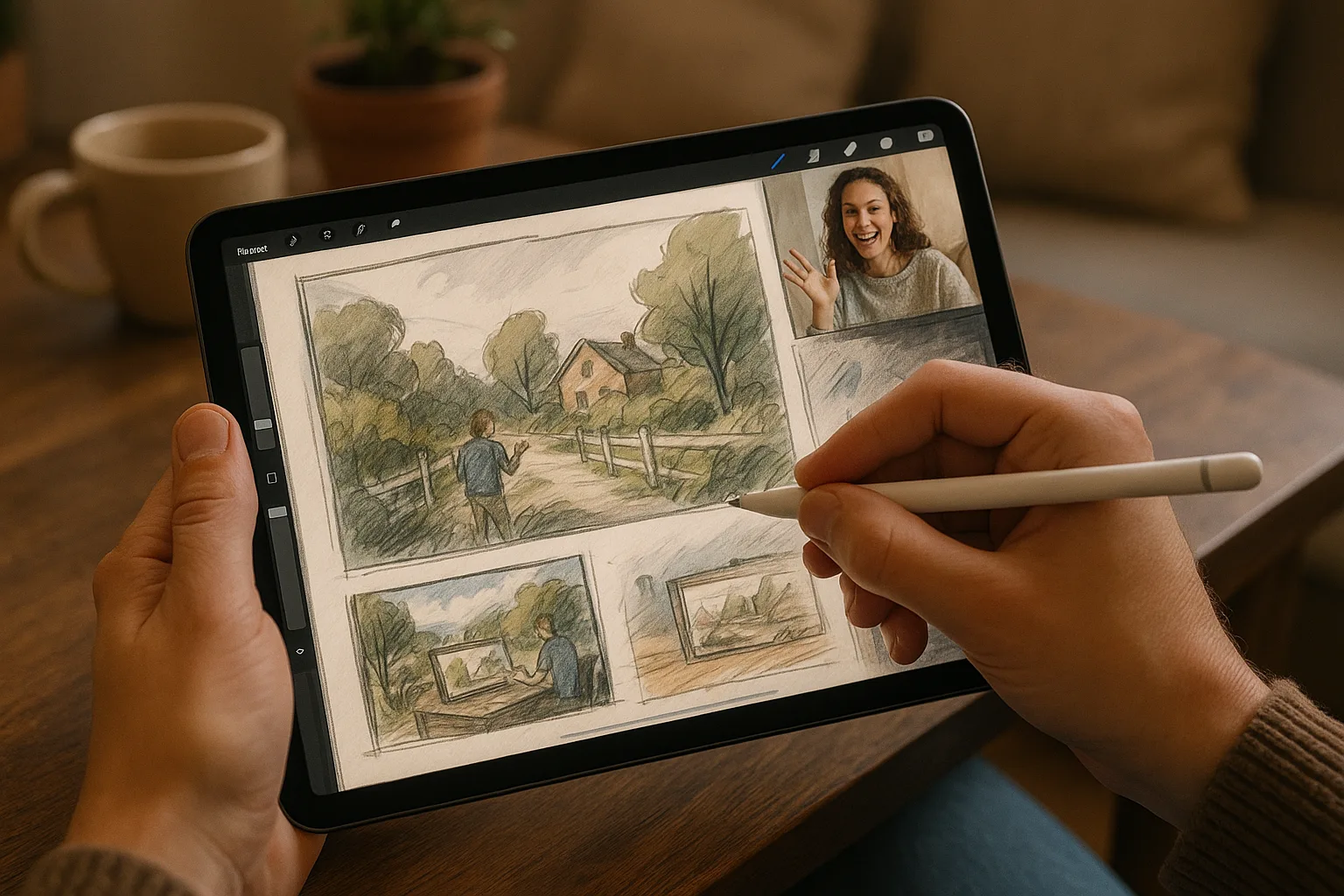
Samara’s long Volga embankment, dramatic Zhiguli hills (Samarskaya Luka), broad city squares and mix of industrial and historic architecture make it a rich subject for landscape sketching. Using an iPad with Procreate lets you capture light and atmosphere quickly on location, iterate without wasting paper, and finish or refine back home. It’s ideal for plein-air digital sketching: portable, forgiving, and powerful.
Quick gear checklist
— iPad (Pro model recommended for performance)
— Apple Pencil (2nd gen preferred) + spare nibs
— Lightweight stand or case that props the iPad at multiple angles
— Portable battery pack and charging cable
— Small windproof clipboard (for stability) or a foldable sketching stool with flat surface
— Screen anti-glare film or hood to reduce reflections (very helpful on the Volga)
— Weather-appropriate clothing (Samara summers can be hot; winters are very cold)
— Small microfiber cloth and lens cleaner
Procreate setup suggestions
— Canvas size: 3000–4000 px on the long edge for a good balance of detail and performance (adjust higher for prints)
— DPI: 150–300 depending on whether you plan to print
— Layer system:
— Layer 1: thumbnails / loose composition (lower opacity)
— Layer 2: line / structure block-in
— Layer 3: local colors (flat)
— Layer 4: lighting and atmosphere (multiply/overlay)
— Layer 5: details and texture
— Helpful Gestures: learn 2‑finger undo, 3‑finger redo, pinch to zoom and QuickShape for perfect lines
— Brushes:
— Pencil or technical sketch brush for initial drawing (6B, HB equivalents)
— Flat wash brushes for blocking (watercolor/soft airbrush)
— Texture brushes for foliage and stone (grit, canvas, leaf scatter)
— Detail brush for highlights and crisp edges
A simple on-site workflow
1. Thumbnails (2–3, 1–2 minutes each): test different crops, horizon placement, and focal points.
2. Block-in values and shapes (5–15 minutes): establish big masses — sky, river, hills, buildings. Work in silhouettes.
3. Color pass (10–20 minutes): lay down local colors; keep values clear.
4. Atmosphere and light (5–15 minutes): add sky gradients, river reflections, mist or sunflare using soft brushes and blend modes (Overlay / Soft Light / Multiply).
5. Details and textures (5–20 minutes): pick a single focal area to refine (boat, ornate façade, tree cluster).
6. Final accents (2–5 minutes): small highlights, contrast boost, signature layer. Save iterations as versions.
Composition ideas tailored to Samara
— Volga Embankment: low horizon, large sky, leading line of the promenade — emphasize river reflections at golden hour.
— Samarskaya Luka / Zhiguli Hills: sweeping diagonals and layered atmospheric perspective — push cool desaturated blues for distant hills.
— Kuibyshev Square and Opera House: central perspective or three-quarter view to show scale; include people to show monumentality.
— Industrial river views & shipyards: focus on geometric shapes, rust textures and hard shadows; use desaturated, warm midtones.
— Historic wooden houses and alleyways: intimate vertical compositions with textured brushwork for wood grain and ornate details.
— Stalin’s Bunker and military/heritage sites: moody light and strong value contrasts to convey history and weight.
Seasonal color palettes & mood cues
— Spring: soft greens, pale warm sunlight, cool river blues; add pollen-yellows for warmth.
— Summer evenings: saturated ultramarine skies, warm orangey reflections, deep greens on the embankment trees.
— Autumn: rust, burnt sienna, muted golds with cool underpainting for shadow areas.
— Winter: cool grays, blue shadows on snow, sunlit warm highlights; use minimal color for a crisp, frozen atmosphere.
Practical tips for sketching in Samara
— Light & glare: bring an anti-glare hood or polarizer film;