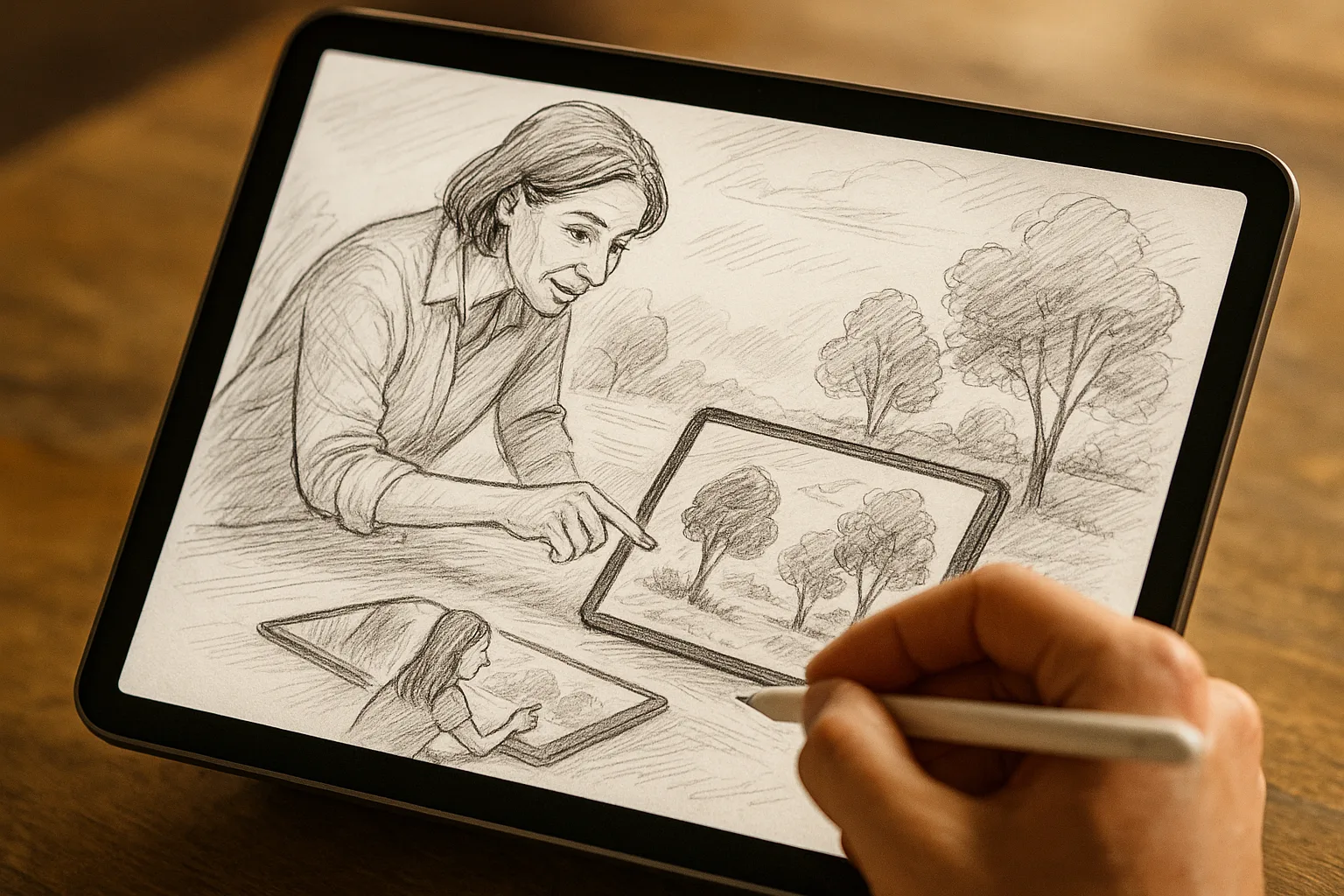
Introduction
Sketching the landscapes of Samara — the Volga’s wide sweep, the Zhiguli silhouette, the lively embankment — on an iPad with Procreate is fast, flexible and ideal for capturing light, mood and local atmosphere. This guide gives you a practical workflow, Procreate settings, composition ideas tied to Samara’s landmarks and seasonal palettes so you can sketch confidently on location or from photos.
Gear checklist
— iPad (Pro or Air recommended for performance)
— Apple Pencil (1st or 2nd gen) fully charged
— Matte screen protector (reduces glare, more paper-like feel)
— Portable charger/power bank
— Lightweight stand or case that props the iPad
— Small towel or glove for cold weather (Samara winters)
— Camera or phone for quick reference photos (if sketching fast)
Canvas & Procreate setup
— Canvas size: 2048×2732 px (good balance of detail and performance) or 3000 px on the long side if you plan to print.
— DPI: 300 if you plan to print, 150–220 for web and social.
— Drawing Guide: enable *Perspective* for buildings or *2D/Isometric* when needed.
— Grid: use 4×4 or golden ratio grid for quick composition checks.
— Layers: keep things organized—Sketch, Block-in, Local Color, Details, Atmosphere, Highlights.
Suggested layer order (top to bottom):
1. Highlights (Add/blend)
2. Details (Normal)
3. Atmosphere/mist (Multiply / Soft Light)
4. Local color / Paint (Normal)
5. Block-in rough shapes (Normal)
6. Sketch / construction lines (Multiply, lowered opacity)
7. Reference photo (optional, lowest)
Brushes & quick settings
Start with Procreate’s default brush library plus a couple of textured brushes. Suggested brushes and relative settings (adjust to taste):
— Sketching / Construction
— 6B Pencil or HB Pencil — size: small/medium, opacity 70–90% — for fast gestures.
— Inking / Line work
— Technical Pencil or Studio Pen — size: small, streamline 10–30% for clean lines.
— Block-in / Paint
— Round Brush or Flat Brush — medium-large size, opacity 80–100% for base colors.
— Texture & foliage
— Charcoal Block or Grainy Brush — low opacity, pressure-sensitive for trees and grasses.
— Atmosphere & glow
— Soft Airbrush — low opacity (10–30%) for mist, evening light, river reflections.
— Highlights & sun
— Light Pen (Add, low opacity) or Soft Brush with *Add* blend mode for glints.
— Blending
— Smudge with a soft brush or use Gaussian Blur on a duplicated layer.
Brush tips:
— Use *stabilization/streamline* for smoother architectural lines.
— Use *pressure opacity* for natural tapering in strokes.
— Save custom brushes or brush sets you like for river, foliage, and masonry.
Step-by-step workflow
1. Quick thumbnails (2–5 minutes)
— Run 3 small thumbnails to explore composition: silhouette of Zhiguli, embankment leading lines, foreground trees.
2. Photo or direct sketch
— If on-site, take a photo for backup; if painting on the spot, work fast and block large shapes.
3. Construction sketch (10–20 minutes)
— On a low-opacity layer, draw light gestures: horizon, major forms, vanishing points for architecture.
4. Block in local color (15–30 minutes)
— Use flat brushes to place large color masses (sky, river, hills, buildings).
5. Define values & atmosphere (20–40 minutes)
— Establish light direction. Add shadows using Multiply; soft atmospheric layers near the horizon for distance.
6. Details & textures (15–45 minutes)
— Add architectural accents, trees, ripples in the Volga. Use textured brushes for foliage and stone.
7. Final accents (5–15 minutes)
— Highlights in Add/Overlay, small reflections, birds, people on the embankment.
8. Polish & export
— Flatten necessary layers, export a PSD or PNG, and save a Time-lapse video (helpful for showing process).
Composition ideas specific to Samara
— Embankment leading line: frame a view along the Samara Embankment with railings or walkways guiding the eye toward the Volga bend.
— Volga bend panorama: use a wide aspect to show the river curve and the Zhiguli silhouette on the horizon.
— Morning mist: capture soft, muted tones and diffused light over water —