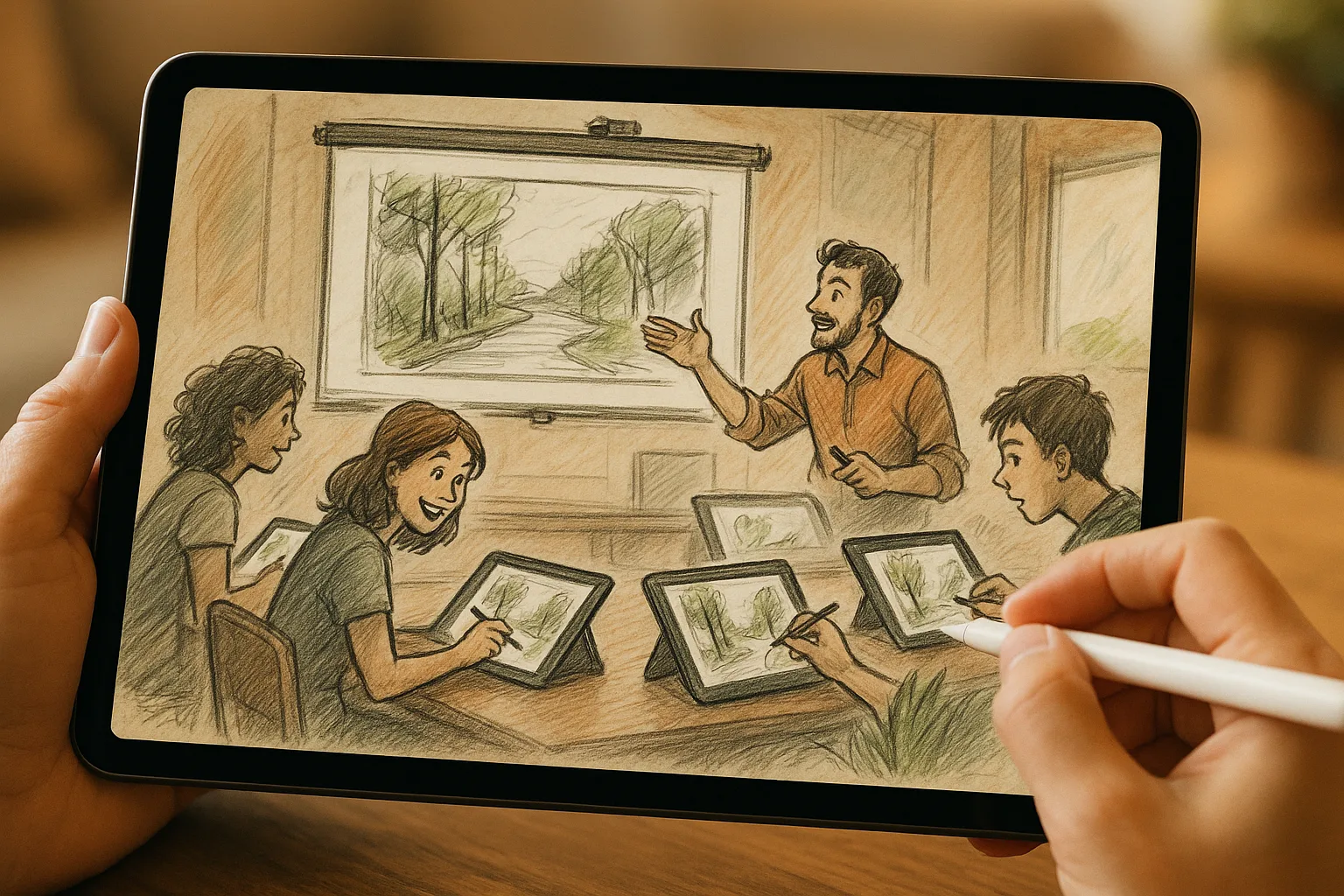
Why iPad + Procreate is perfect for Samara landscapes
Samara’s wide Volga vistas, Zhiguli hills, riverside promenades and varied seasons make it a rich subject for plein-air sketching. Using an iPad with Procreate lets you capture light and atmosphere quickly, iterate without waste, and finish or publish work on the go. Below are practical workflows, settings, and local tips to get striking landscape sketches in and around Samara.
Quick overview
— Fast thumbnails and color studies on site.
— Layer-based refinement in Procreate back home or in a café.
— Export-ready images for prints or social media without scanning.
Gear checklist
— iPad (Pro or recent Air recommended) with sufficient battery and storage.
— Apple Pencil (2nd gen if possible) — pressure + tilt help with expressive strokes.
— Matte screen protector (optional) for paper-like drag.
— Small tripod/portable stand or an adjustable sketching case.
— Power bank or charger, microfiber cloth, small spray bottle for screen cleaning.
— Lightweight stool or foldable chair for longer sessions.
— Weather protection: umbrella/hood, warm clothing in cold months.
— Storage: cloud backup (iCloud, Dropbox) + local backups.
Canvas & Procreate settings
— Canvas size: start 3000–4000 px on the long edge for social; 3500–6000 px @300 DPI for prints.
— Color profile: sRGB for web, convert to a wider profile (Display P3/Adobe RGB) if printing professionally.
— Layers: limit to 20–40 while sketching to keep files responsive; merge when needed.
— Streamline (Brush smoothing) for steady lines — 10–30% for quick sketches, higher for final clean lines.
— QuickShape: hold after drawing a shape to convert to clean geometry (good for architectural elements).
— Drawing Guide + Perspective Assist: helpful for riverbanks, stairways, and city structures.
— Reference Companion: import a photo of the scene for color/value checks without toggling apps.
Useful brushes & presets
— Pencil/noodle: 6B Pencil, HB Pencil, Technical Pen for quick linework.
— Paint block: Flat Round, Gouache or Soft Airbrush for underpainting and fog.
— Texture: Organic or paper grain brushes for foreground detail (dirt, grass).
— Detail: Fine Liner, Studio Pen for small architectural elements.
— Water/atmosphere: Soft Airbrush + Gaussian Blur for distant haze on the Volga.
Tip: Save a “Samara palette” with 8–12 swatches (Volga blue, low-sun gold, embankment sand, Zhiguli rock, birch green, winter gray) for fast color choices.
Color palette ideas inspired by Samara
— Volga deep: muted ultramarine + cold gray.
— Evening embankment: warm ochre + soft coral.
— Zhiguli cliffs: raw umber + warm gray + moss green.
— Autumn riverside: burnt sienna + olive + mustard yellow.
— Winter mood: cool blue-grays + off-white + slate.
Composition & observation tips
— Place the horizon deliberately: low for dramatic skies, high to emphasize river/forefront.
— Use leading curves of the Volga and embankment railings to guide the eye.
— Layer foreground / midground / background: strong contrast and detail in foreground, softer tones and less detail as distance increases (atmospheric perspective).
— Include local elements as anchors: lampposts, boats, promenades, rotundas, or distant chimneys—these provide scale and Samara identity.
Field workflow (30–60 minute plein-air session)
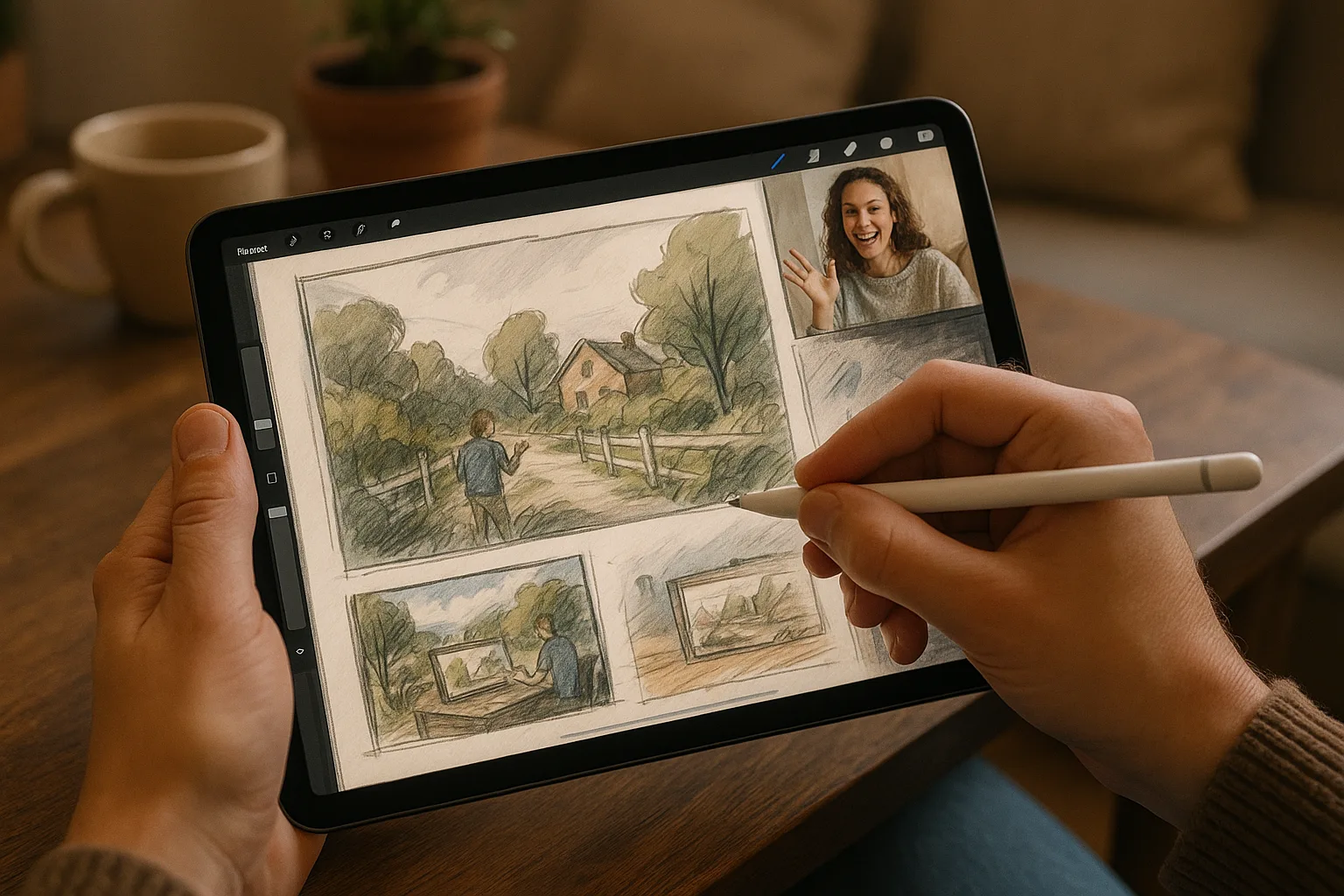
1. Quick thumbnails (1–3 minutes each): 3–5 tiny compositions to choose the strongest layout.
2. Block-in values (5–10 minutes): large brush, limited value range (3 levels: dark, mid, light).
3. Block-in color (5–10 minutes): one layer for general color relationships; keep edges loose.
4. Refine forms (10–20 minutes): add mid-level details on new layers — trees, buildings, boats.
5. Finish touches (5–10 minutes): accents, highlights, and a signature layer.
6. Save/export: PNG for backup, PSD if you plan to continue in desktop or later.
Procreate tips for field: use Alpha Lock to paint within shapes, Clipping Masks to isolate adjustments, and QuickShape for clean rails/architecture. Label layers clearly (sketch, underpaint, mid, details, effects).
Studio finishing workflow
— Clean up lines and edges; merge or reorganize layers.
— Add texture and atmosphere: overlay subtle grain, paper texture, or soft airbrush haze.
— Use Adjustment tools: Curves for contrast, Color Balance for mood, Gaussian Blur for depth.
— Add focal sharpening and small highlights to draw the eye.
— Create one flattened copy for export and keep a layered PSD/TIFF for archives.
Procreate actions & exports
— Export options: PNG for web, TIFF/PSD for layered archival/printing.
— Export at full resolution for prints; save a 2048–3000 px JPEG for social sharing.
— Color workflow: work in Display P3 if available on your iPad and convert to sRGB for web posts.
Printing guidelines
— Print DPI: 300 DPI for high-quality prints. For an 8×12 print, aim for 2400 x 3600 px or larger.
— If sending to a local print shop, ask for color profile preferences (