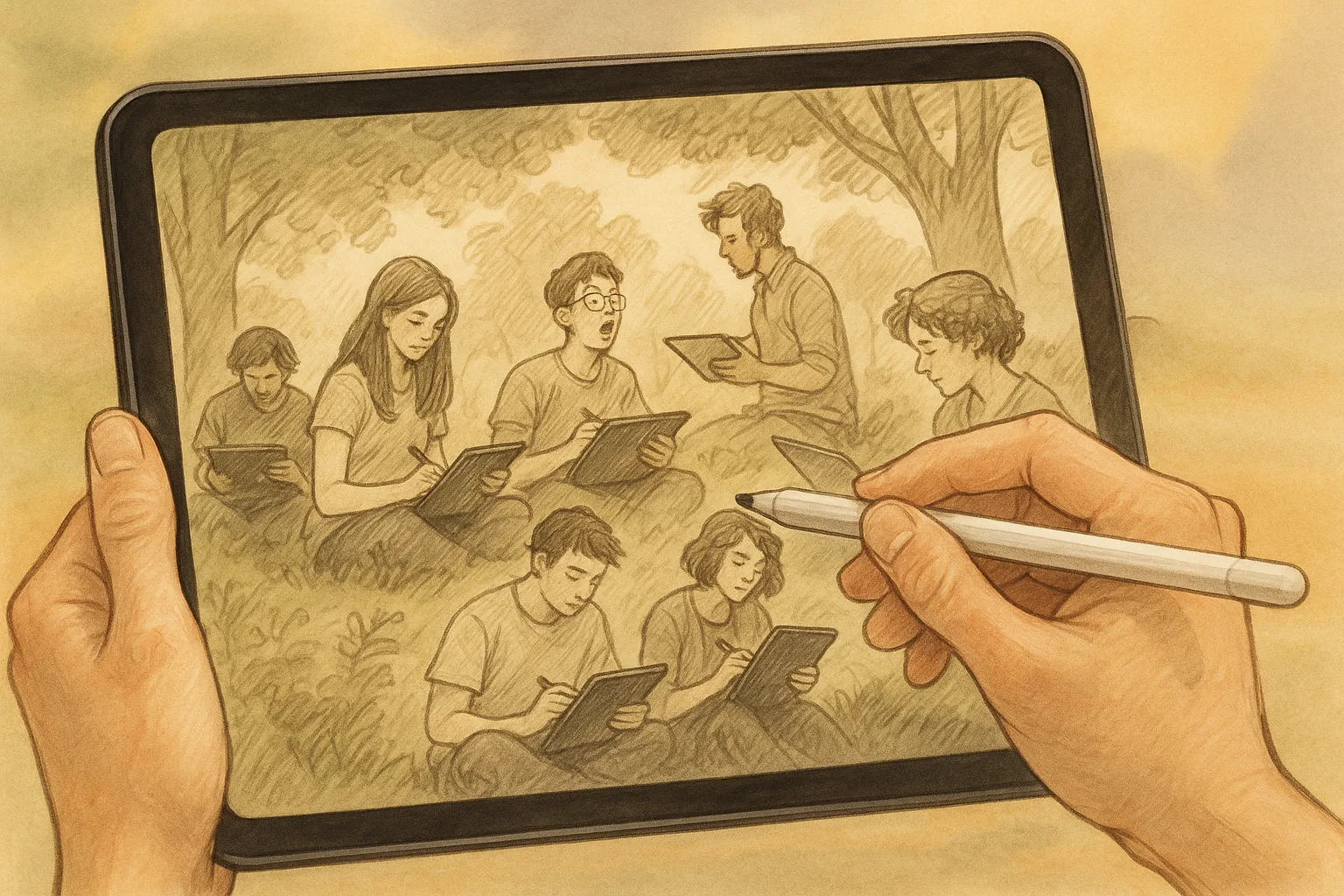
Sketching Samara: Landscape Sketching on iPad with Procreate
Capture the light of the Volga, the rounded Zhiguli hills, and Samara’s riverfront energy using iPad and Procreate. This practical guide blends on-location plein-air workflow with Procreate techniques, local subject ideas, composition tips, and finishing/sharing advice — all tuned to the landscapes of Samara, Russia.
Why use iPad + Procreate for landscape sketching
— Lightweight and portable — perfect for the Samara embankment and hilltops.
— Undo, layers, and brushes let you experiment without wasting paper.
— Quick exports for social sharing, prints, or continuing work in the studio.
What to bring (field kit)
— iPad (preferably with Procreate installed) and Apple Pencil (charged).
— Thin matte screen protector (reduces glare).
— Portable battery or power bank.
— Lightweight stand or folio for comfortable angles.
— Small weatherproof bag (Samara winds by the Volga can surprise).
— Optional: compact tripod with iPad mount, earbuds for reference audio.
Quick plein-air workflow (30–90 minutes)
1. Scout & choose a view:
— Look for leading lines (Volga curve, embankment railings), strong foreground (reeds, boats), and an interesting sky.
2. Thumbnail sketches (5–10 minutes):
— Use Procreate at small canvas size or sketch with a low-opacity brush.
— Try 2–4 compositions: vary horizon placement and focal points.
3. Block in values and color (10–20 minutes):
— Low-opacity flat brush to lay down major shapes and light/dark.
4. Refine forms and perspective (15–40 minutes):
— Add structural lines, adjust with Procreate’s Drawing Guides (Perspective).
— Establish atmospheric perspective: cooler, lighter colors for distant hills (Zhiguli).
5. Details & accents (remaining time):
— Use texture brushes for foliage, water ripples, and embankment details.
— Add highlights and small boats, people, or architectural cues.
6. Quick save:
— Duplicate the canvas and export a JPEG/PNG for reference and social sharing.
Procreate tools & settings to speed your workflow
— Canvas size: 3000–4000 px wide for screen use; 4000–6000 px if you want to print.
— Brush picks:
— Pencil: 6B Pencil / HB Pencil for sketching.
— Ink: Studio Pen for crisp lines.
— Soft Brush / Airbrush: for skies and soft gradients.
— Texture: Splatter/Grain for foliage and rough stone.
— Watercolor or Wet Mix: for subtle blends in sunsets/river reflections.
— Layers:
— Start with separate layers for sky, midground, foreground, and details.
— Use Alpha Lock for shading within shapes; Clipping Masks for controlled color layers.
— Perspective: Use Drawing Guide > Perspective to lock vanishing points — great for Kuibyshev Square buildings and embankment lines.
— QuickShape: Draw clean curves for horizon, embankment arcs, or the Volga’s curve.
— Gaussian Blur + Opacity: soften distant hills and water reflections.
— Blend Modes: Multiply for shadows, Screen/Overlay for light and glow.
— Color Drop + Palette: create or import seasonal palettes and drag colors into shapes for speed.
Composition & local subject ideas (Samara)
— Volga Embankment (Naberezhnaya):
— Strong leading line of the promenade; perfect for sunset compositions and reflections.
— Foreground interest: benches, people, fishing rods, boats.
— Samarskaya Luka / Zhiguli Hills:
— Use atmospheric perspective; distant ridges get cooler, paler tones.
— Great for panoramic sketches or vertical compositions with foreground trees.
— Kuibyshev Square & Opera House:
— Architectural forms and dramatic shadows—use perspective guides.
— Stalin’s Bunker (museum area) and historical center:
— Combine man-made textures with natural light contrasts.
— Winter scenes:
— Low sun, long shadows across frozen riverbanks; emphasize cool blues and warm highlights.
Seasonal color palettes (quick starters)
— Summer evening (sunset): #FFBA7A (warm gold), #FF6E6E (pink), #4A76B7 (deep blue), #2E3A59 (navy).
— Autumn on the Volga: #C36B2B (rust), #F2C94C (mustard), #6A8B3D (olive), #6B96B0 (steel blue).
— Spring green burst: #A8D08D (fresh green), #F7E9C7 (soft warm light), #71A7C6 (river blue), #4F6A52 (leaf shadow).
— Winter twilight: #E9F2FF (cool light), #A3B4D6 (pale blue), #494F6B (deep shadow), #FFD9A6 (sun glint).
(Drag hex values into Procreate to build palettes quickly.)
Tips for capturing Samara’s light and atmosphere
— Early morning & late evening: warm low light on the Volga, great for long shadows and saturated skies.
— Midday: high contrast — focus on patterns, reflections, and people.
— Windy days: use quicker, looser strokes for water and foliage movement.
— Snow: focus on shadow color rather than pure white; use subtle blues and violets.
Finishing touches & post-processing
— Duplicate the working file before major edits.
— Global adjustments: Curves, Hue/Saturation, or Color Balance to unify the scene.
— Add subtle texture (Noise or Grain) for a tactile feel if you plan to print.
— Sign on a small, visible corner (separate layer).
— Export settings:
— Social: JPEG 2048–3000 px.
— Print