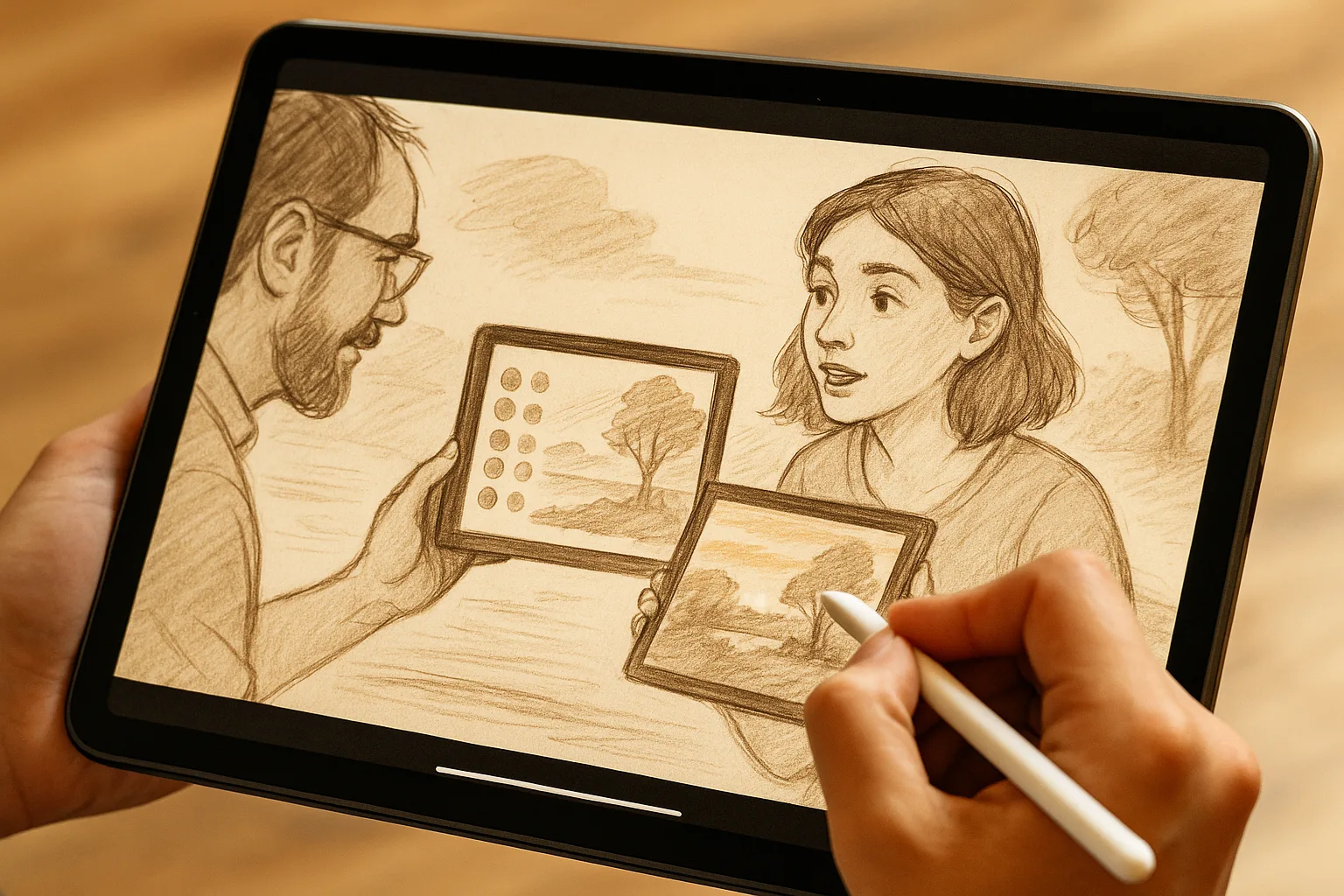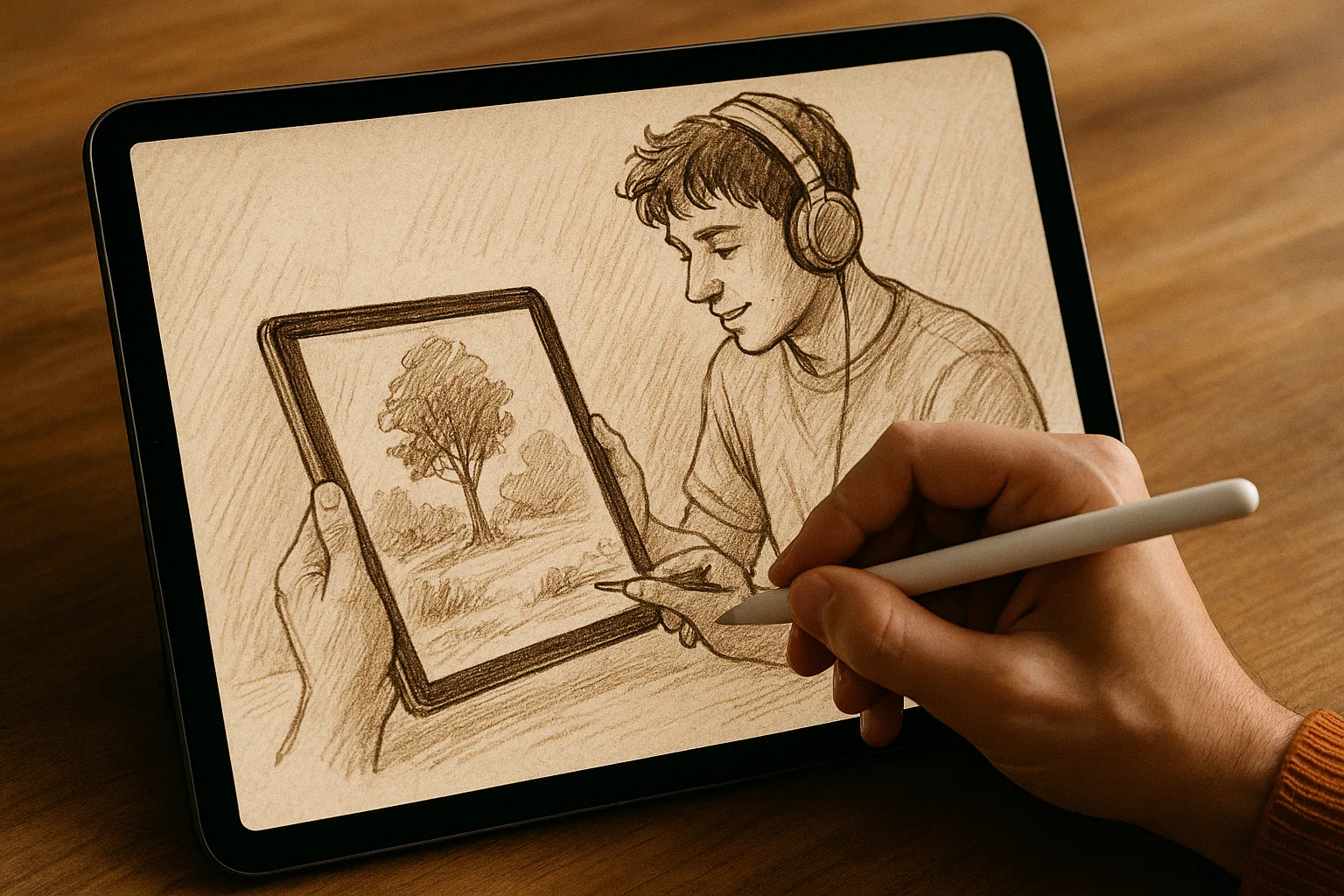
Introduction
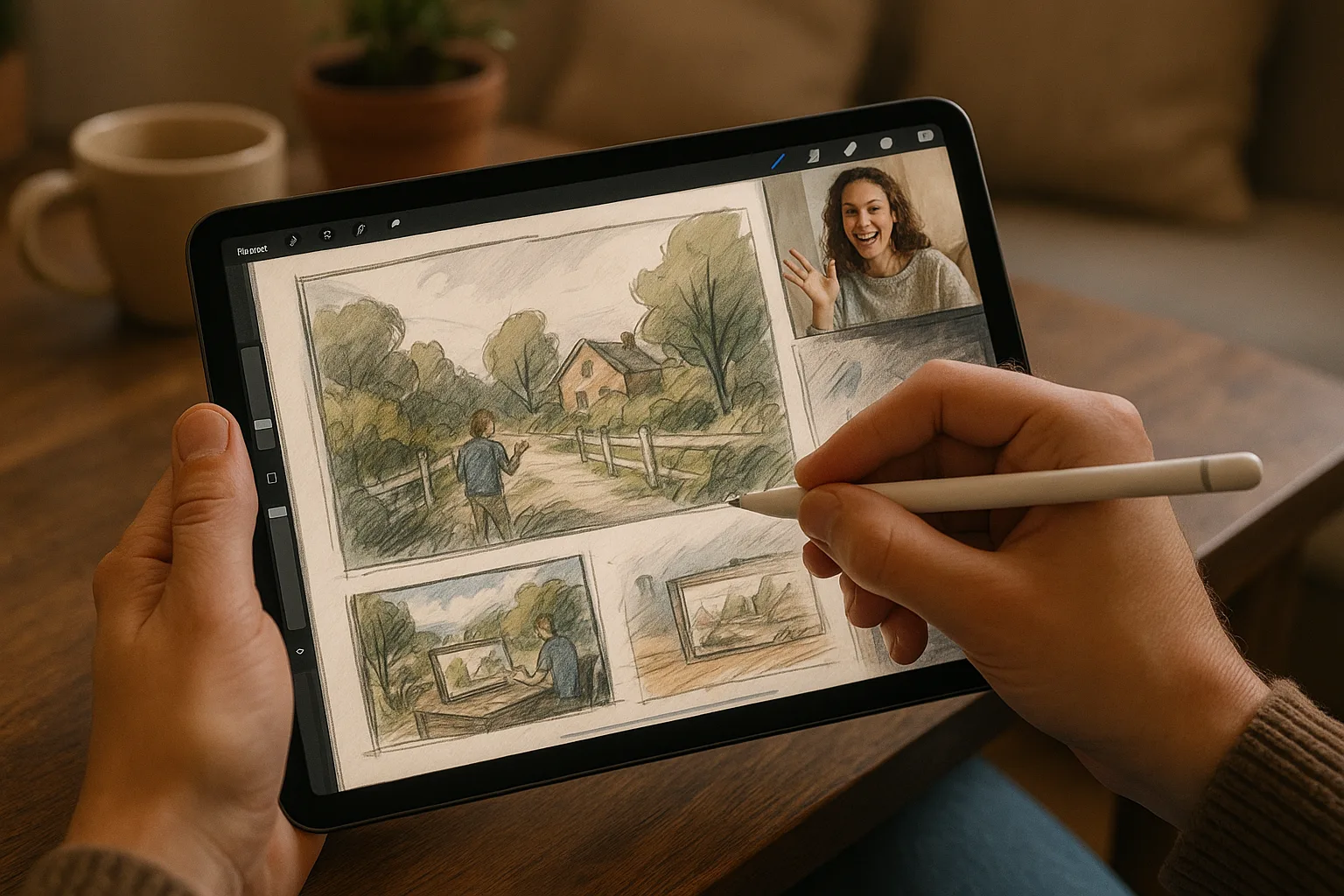
Samara — with its wide Volga curves, Zhiguli hills, long embankment and layered urban skyline — is a dream for landscape sketchers. The iPad + Procreate combo lets you capture fleeting light, dramatic skies and river reflections quickly, while keeping full control over color, texture and composition. Below is a focused workflow, concrete Procreate settings, composition ideas tied to Samara’s landmarks and practical tips for on-location and studio refinement.
Gear checklist (compact)
— iPad (Pro or Air with good battery life)
— Apple Pencil (1st or 2nd gen)
— Lightweight stand or grip case for handheld stability
— Portable charger / cable and screen-cleaning cloth
— Small photo kit: phone or camera for reference photos (bracket exposures if possible)
— Headphones and spare storage (or cloud sync) for backing up .procreate files
Quick on-location workflow
— Do 3–5 thumbnail studies (30–90 sec each) to nail composition and value.
— Photograph the scene for reference (one low/one high exposure if possible; include details like textures).
— Block large shapes and values in Procreate as soon as you get back or at a cafe — keep it loose.
— Save a fast version for social media time-lapse export.
Procreate canvas & basic settings
— Canvas size: 3000–4000 px on the long side for social/web; 4000–6000 px or 300 DPI for prints.
— Color profile: sRGB for web, Adobe RGB or ProPhoto RGB for larger prints (export carefully).
— Reference and grid: View > Drawing Guide > Perspective (1- or 2-point) for urban lines; use 1-point for river horizon.
— Layer organization: Sky | Distant hills | Midground | Foreground | Details/Accents | Adjustment layers
Essential brushes and their uses
— Pencil (6B or HB) — quick thumbnails and value maps.
— Soft Round/Cloud brush — sky gradients and atmospheric haze.
— Textured Dry Brush or Chalk — rock faces, soil and embankment grit.
— Foliage scatter brush (custom or default) — trees, reeds and shrubs.
— Detail inker (Technical/Studio Pen) — crisp architectural lines and railings.
— Water/reflection brush — soft smudge + low-opacity texture for reflective river.
— Noise or grain brush — unify texture and mask digital smoothness.
If you don’t have custom packs, combine Procreate’s «6B Pencil», «Gouache», «Charcoal», and «Airbrush» sets to replicate a natural mixed-media look.
Composition ideas inspired by Samara
— Volga at sunrise/sunset: use the river as a leading line sweeping to the Zhiguli hills; place the horizon on the lower third to emphasize sky.
— Samara Embankment: lively midground with silhouetted walkers, small boats and railings in foreground for depth.
— Zhiguli Hills (Zhigulyovskie Gory): distant blue-violet masses with warm sunlit ridgelines. Use aerial perspective (cooler, desaturated distance).
— Kuybyshev Square / City skyline: 1– or 2-point perspective; emphasize scale and human figures for contrast.
— Stalin’s Bunker / historical architecture: tighter compositions, texture and shadow to suggest mass and age.
— Winter scene: high-contrast lights on snow, steam from river edges, muted mid-tones.
Color & value strategies
— Start with a value-first approach: block in darks, mids, lights. Value communicates mood faster than color.
— Limited palettes work best: choose 3-5 core colors (e.g., Volga blue, Zhiguli warm brown