Introduction
Sketching landscapes on an iPad with Procreate is fast, portable, and forgiving — ideal for capturing the Volga’s moods and the rolling Zhiguli hills around Samara. This guide gives you a workflow, local spot ideas, brush and layer tips, plein-air practicalities, and finishing touches so your sketches capture the place and the moment.
Best places to sketch in and around Samara
— Samara Embankment (Набережная Волги / Набережная Самары) — long waterfront, ferries, reflections, and dramatic skies.
— Zhiguli Hills / Zhigulyovskie Gory (Жигулёвские горы) / Samara Bend (Самарская Лука) — elevated vistas, rocky outcrops, distant atmospheric perspective.
— Monument of Glory area (Памятник Славы) — good city-overlook for sunrise/sunset silhouettes.
— Kuibyshev Reservoir shoreline — wide water planes, windswept textures.
— City parks along the river — quick accessible foregrounds, trees, and seasonal color.
Quick plein-air workflow (on-location)
1. Set up fast:
— Brightness high, battery check, spare Apple Pencil nib or stylus charger, small folding stool.
— Anti-glare hood or matte screen protector if bright sun.
2. Canvas & resolution:
— Quick sketches: 2048–2732 px on longest side, 72–150 dpi.
— For later prints or detailed work: 3000–4000 px, 300 dpi.
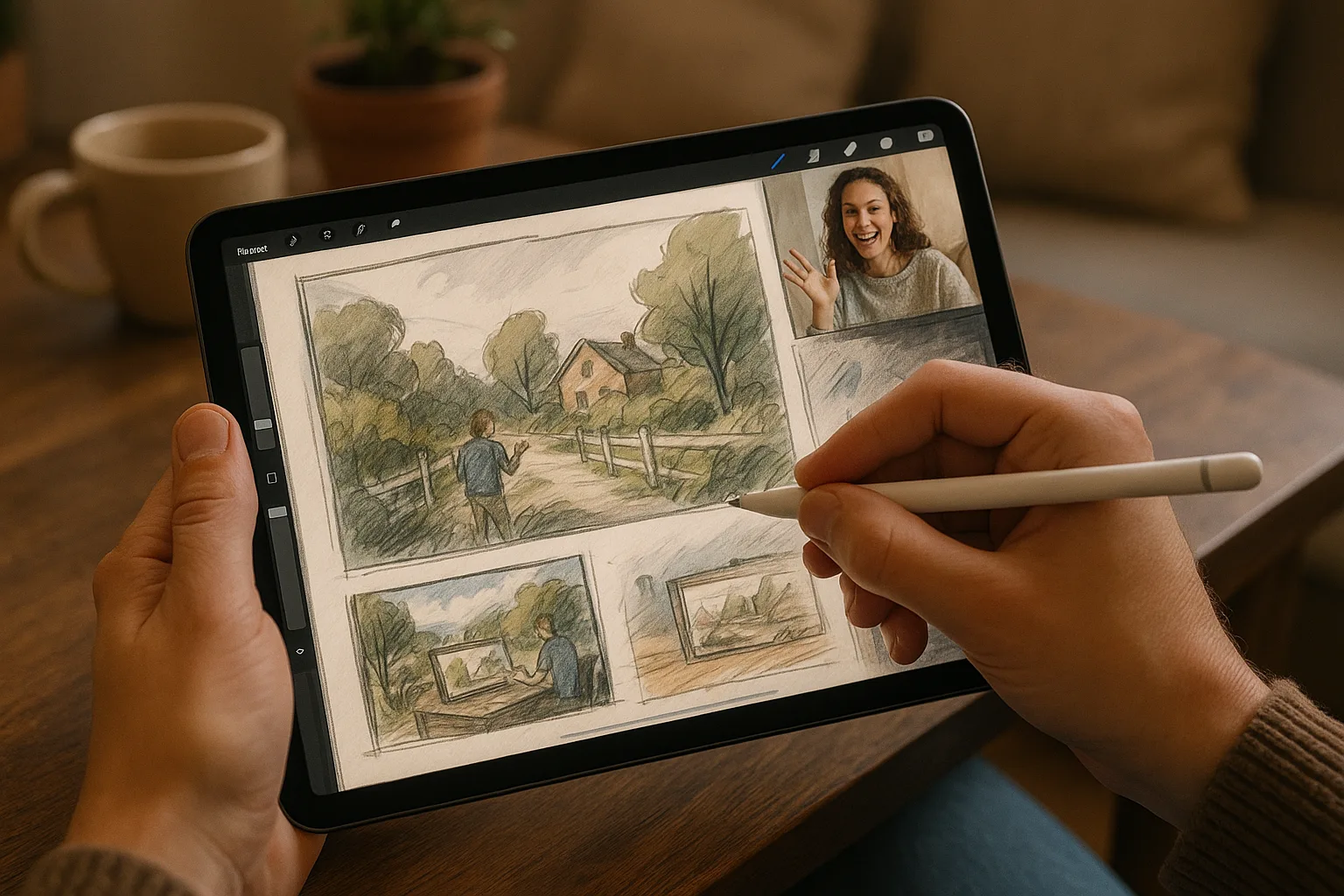
3. Thumbnails first:
— 3–5 thumbnails (1–3 minutes each) to test composition and horizon placement.
4. Block-in values and shapes (10–20 minutes):
— Large flat brushes, low opacity, focus on foreground/midground/background separation and major value masses.
5. Refine (studio finish or on-site if time permits):
— Add midtones, accents, direction of light, and key details.
6. Save regularly and export a PSD if you plan to refine on desktop.
Composition and observation tips
— Use the rule of thirds and strong leading lines (riverbanks, paths, piers).
— Establish foreground, midground, background clearly — foreground warm & saturated, background cool & desaturated.
— Emphasize the Volga’s scale: small human elements or boats for scale contrast.
— Watch for atmospheric perspective: reduce contrast, saturation, and detail with distance.
Color and light — capturing Samara’s atmosphere
— Typical palettes:
— River day: muted blues, steely grays, sandy bank neutrals.
— Golden hour: warm amber, deep violets in shadow, glowing highlights.
— Winter: cool blues, pale lavender shadows, crisp midtones.
— Use limited palettes for speed: pick 5–8 anchors (sky, midwater, bank, foliage, accent).
— Sampling on-site: take a quick photo for reference and sample colors in Procreate’s color picker.
Procreate brush and tool recommendations
— Sketching:
— 6B Pencil / Technical Pencil (for fast gestural lines).
— HB Pencil for lighter construction.
— Blocking & painterly work:
— Soft Round Brush or Painting > Gouache for block-ins.
— Water / wet brushes for blending distant haze.
— Texture & details:
— Charcoal-like or textured brushes for banks and foliage.
— Fine ink or monoline for architectural details and boats.
— Smudge tool: low opacity for subtle blending (don’t overblend).
— Useful Procreate features:
— QuickShape for straight/curved lines.
— Alpha Lock / Clipping Masks for controlled shading.
— Layer Blend Modes: Multiply for shadows, Overlay/Soft Light for warming/cooling.
— ColorDrop with Threshold adjustments for quick fills.
— Two-finger undo / three-finger redo gestures for speed; double-tap Apple Pencil (if supported) to switch tools.
Layer workflow (simple, practical)
— Layer 1: Quick thumbnail/sketch (low opacity).
— Layer 2: Clean line or refined sketch.
— Layer 3: Block-in base colors (grouped).
— Layer 4: Shadows