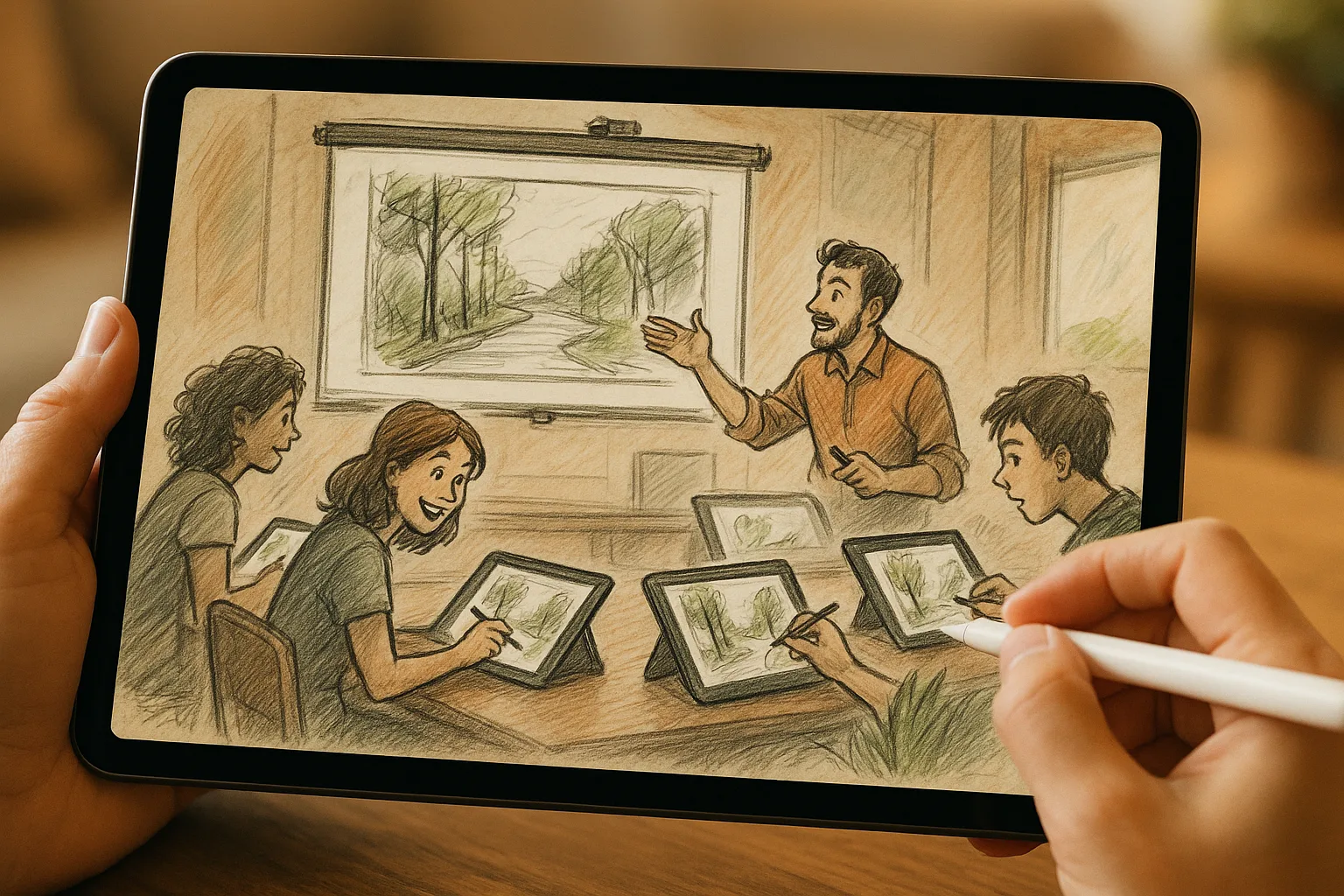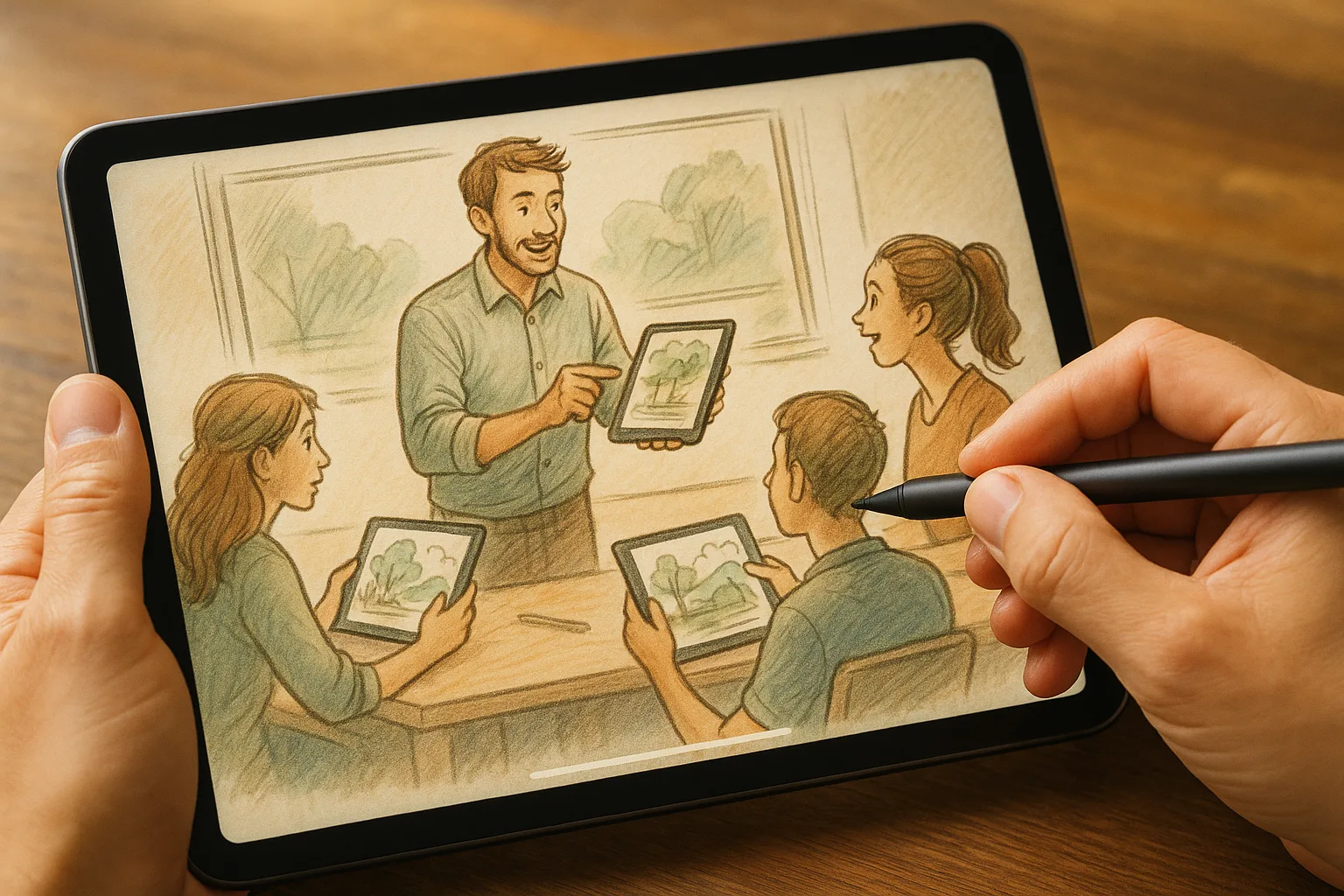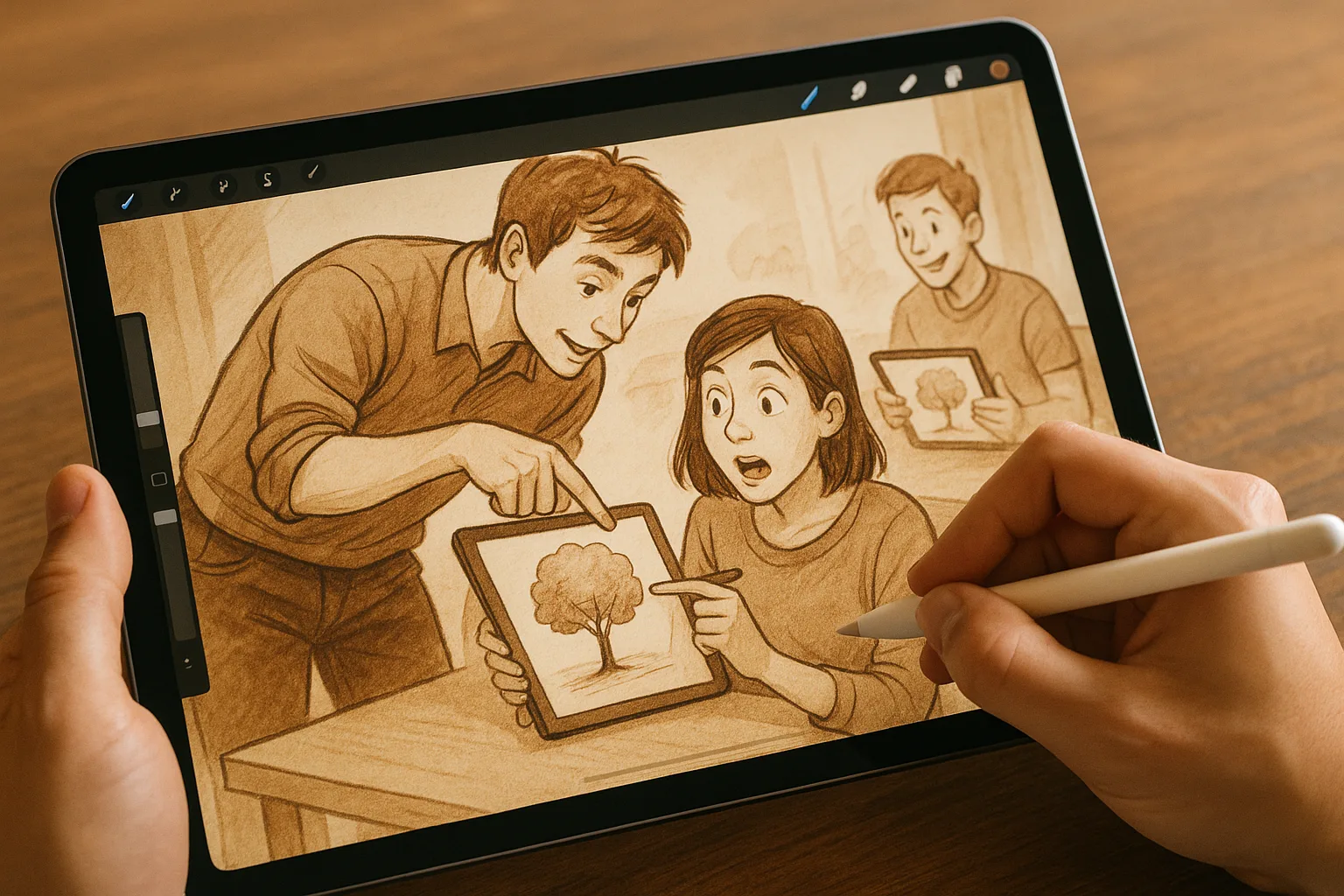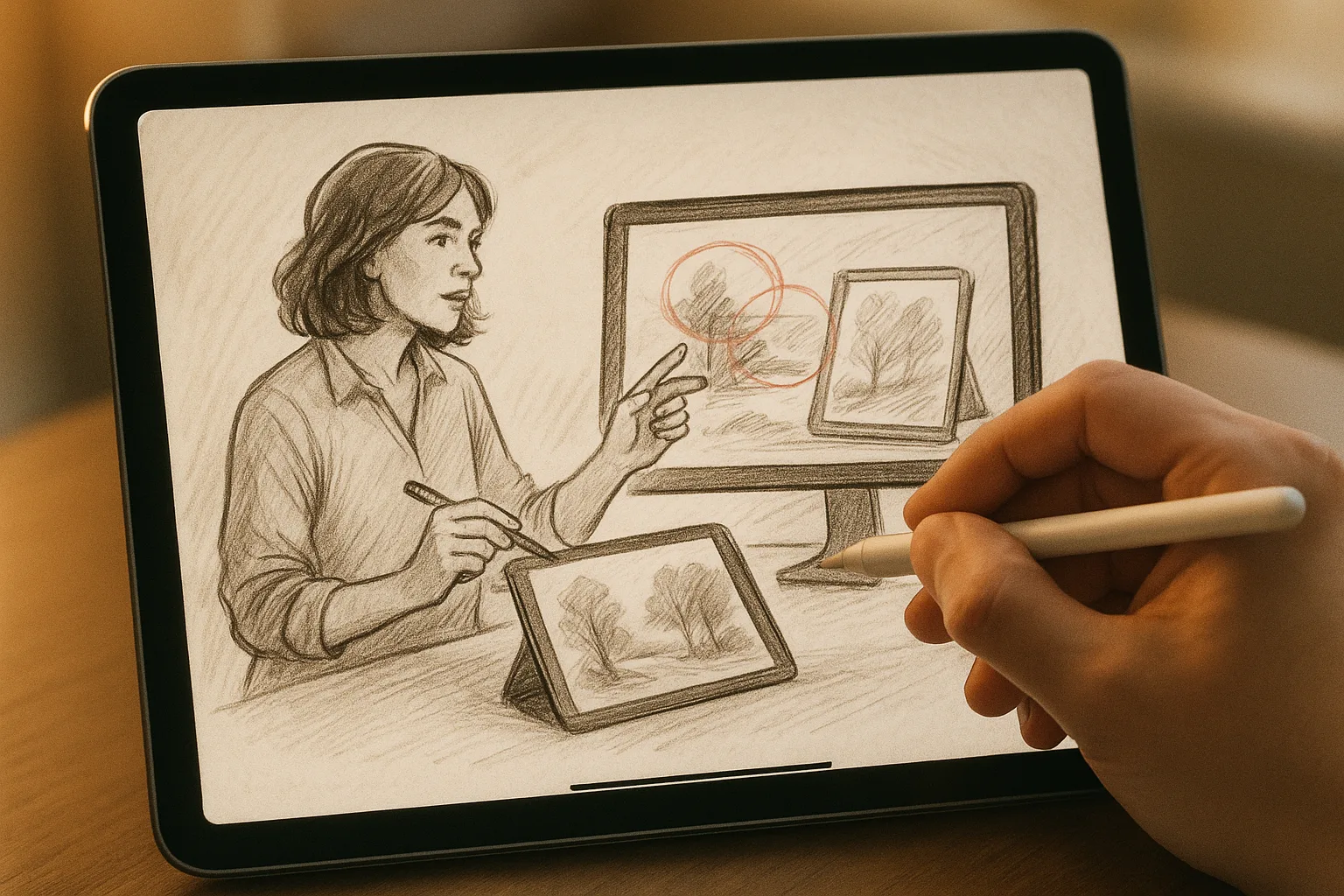
Sketching the Samara Landscape on iPad with Procreate
Capture the wide Volga views, riverfront life, and Zhiguli hills around Samara with a fast, confident digital workflow. This guide gives location ideas in Samara, practical plein-air tips, Procreate settings and brushes, color palettes inspired by the region, and a step-by-step workflow you can repeat anywhere along the embankment or in Samarskaya Luka.
Where to sketch in Samara (quick picks)
— Samara Embankment (Volga Promenade) — long riverside views, boats, reflections; best at sunrise and sunset.
— Kuybyshev Square — grand urban scale, architecture and human activity; good for dramatic skies and long shadows.
— Stalin’s Bunker (museum/park area) — raised viewpoints over the city and river; solid vantage for panoramas.
— Samarskaya Luka / Zhiguli Hills viewpoints — wild shoreline, cliffs and forest; great for nature compositions and changing light.
— River port & boat docks — lively scenes, textures, and interesting foreground elements like ropes and pilings.
Quick plein-air practical tips
— Pack: iPad (charged), Apple Pencil (extra tip if available), compact battery pack, lightweight stand or clip, earbuds for reference audio, weatherproof sleeve.
— Use a matte screen protector to reduce glare in bright sun.
— Bring a small tripod or a sketching clamp if you want steady long sessions.
— Pick the moment: early morning for mist on the Volga, golden hour for warm light, overcast for subtle color studies, snowy winter mornings for cool blues and low contrast.
— Work in short bursts: thumbnails (1–3 minutes), value study (5–10 minutes), color block-in (10–20 minutes), add details later from photos if needed.
Suggested canvas & export settings
— Quick sketch: 2048 × 2732 px @ 150–300 DPI (fits iPad screen, fast).
— Print-ready: 3000–5000 px on the long edge @ 300 DPI.
— Export: PNG (web), PSD (if you want to continue editing in Photoshop), TIFF (print), Procreate (.procreate) to preserve layers.
Brushes and Procreate tools to use
— Sketching:
— 6B Pencil / HB Pencil (Sketching set) — fast value sketching and linework.
— Charcoal Block or Natural Charcoal — quick rough shapes and textured shadows.
— Inking / Line refinement:
— Studio Pen or Technical Pen (Inking) — clean, controlled lines for architecture.
— Monoline — for crisp silhouette edges.
— Painting & color:
— Gouache or Wet Acrylic (Painting) —