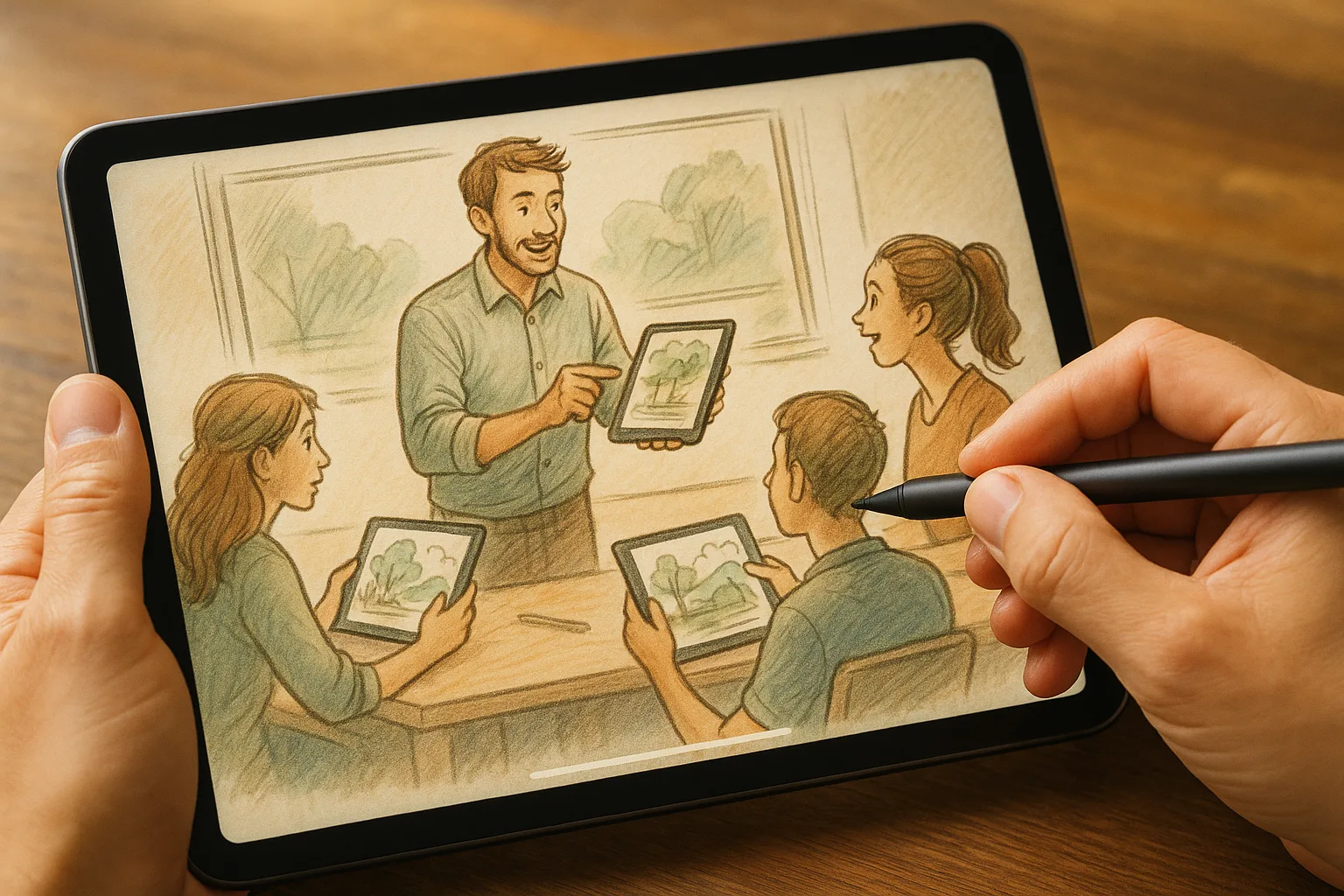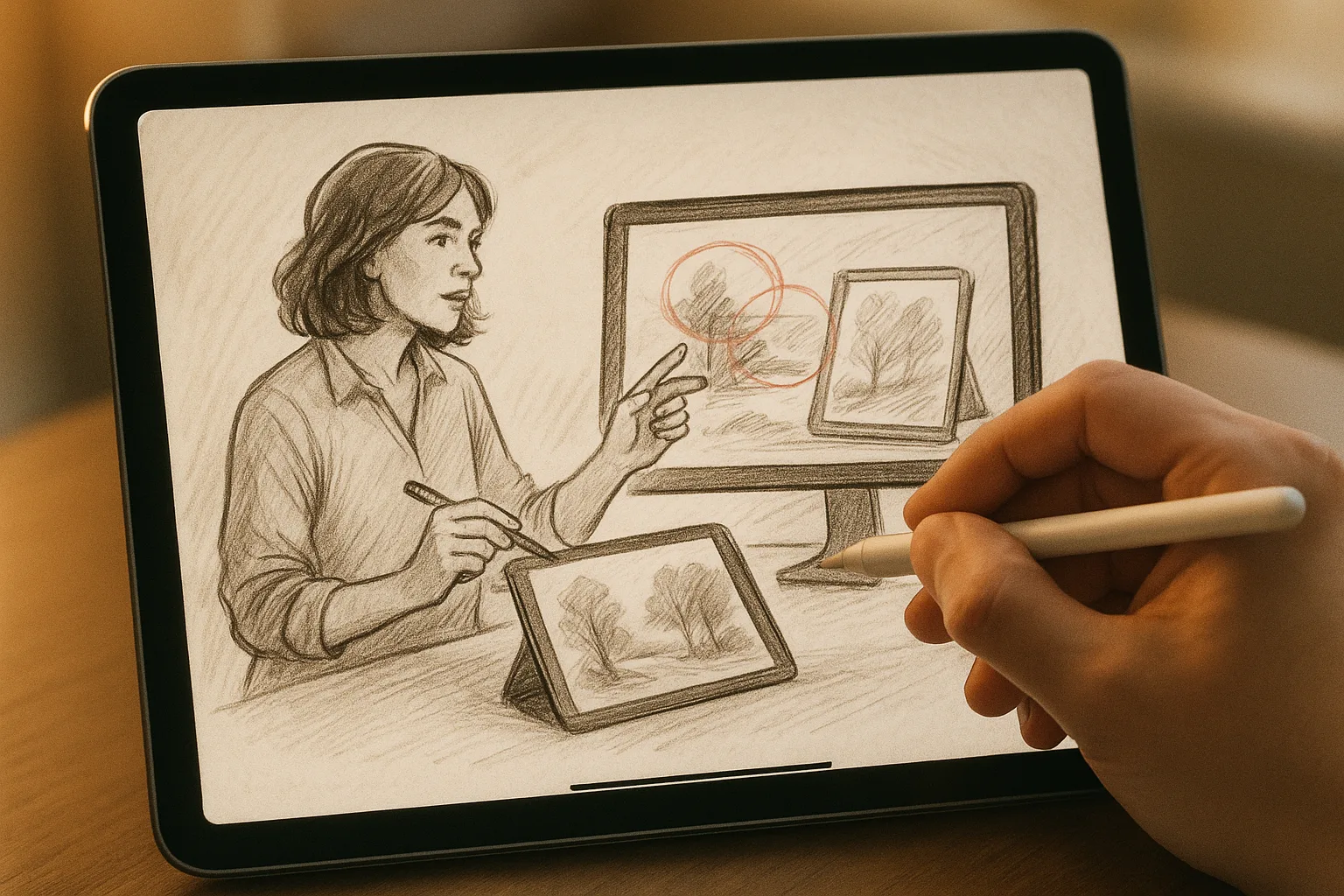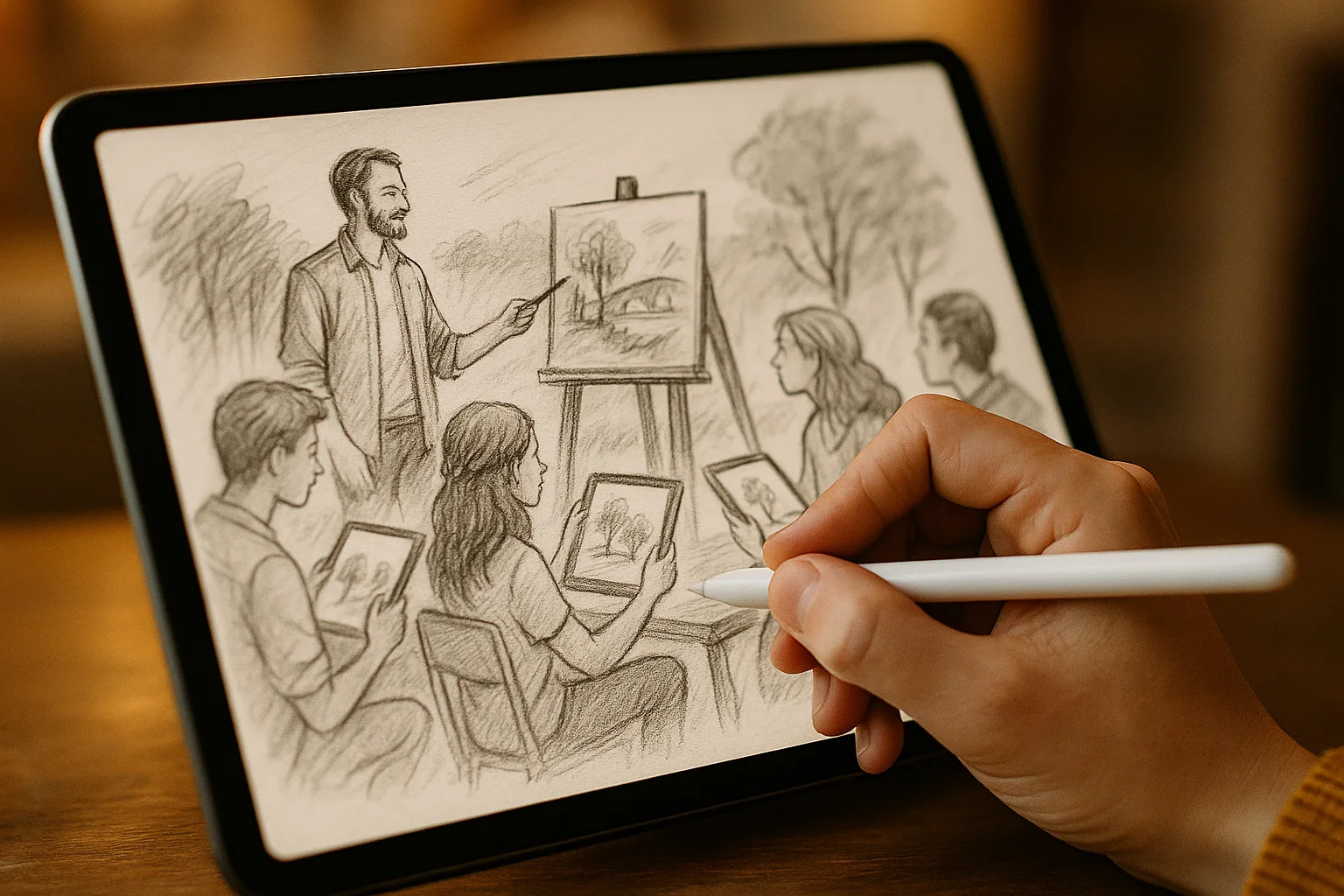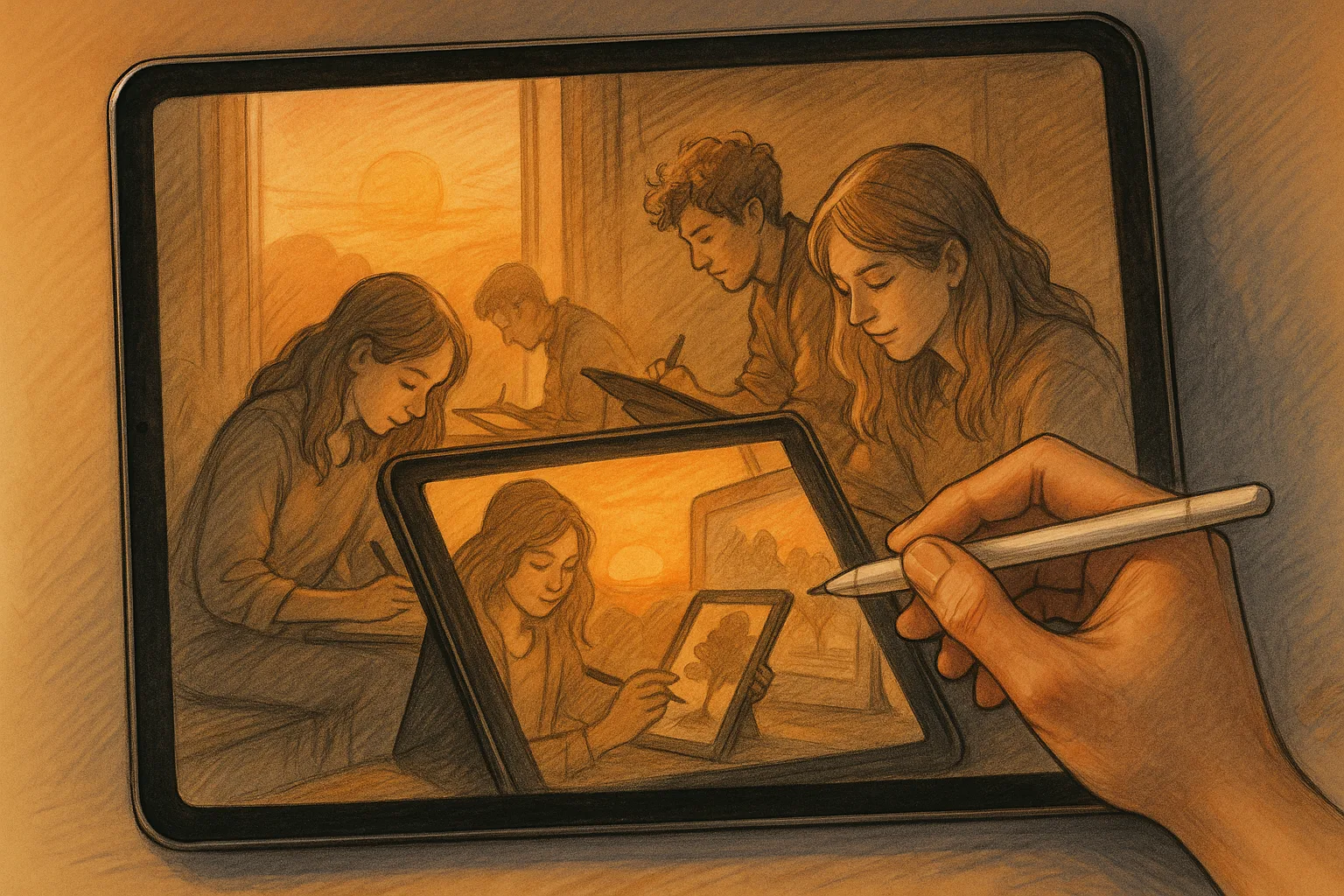
Why sketch Samara on an iPad with Procreate
Samara’s wide Volga vistas, the dramatic Zhiguli hills and the lively embankment are perfect subjects for quick plein-air studies or polished digital landscapes. Using an iPad and Procreate gives you portability, unlimited undo, rich brush textures and instant export—ideal for capturing changing light on the Volga or a storm rolling over Kuibyshev Reservoir.
Highlights of sketching in Samara
— Samara Embankment (Naberezhnaya): long river views, ferries and promenades—great for horizontal panoramas.
— Samarskaya Luka / Zhiguli Mountains: dramatic cliffs, pine textures and layered atmospheric depth.
— Kuibyshev Reservoir shorelines: reflections, thin light at golden hour.
— Kuybyshev Square & city rooftops: urban composition practice with human scale.
— Stalin’s Bunker & older industrial quarters: man-made contrast and moody light.
Quick gear checklist
— iPad (Pro models recommended for larger canvases) + Apple Pencil (2nd gen perks like double tap).
— Lightweight case/stand and a small stool.
— Portable charger or battery pack.
— Weather-appropriate clothing; a clear plastic sleeve for sudden wind/rain.
— Reference photos (backups when light changes) and permission if sketching inside private sites.
Fast on-location workflow (30–45 minutes)
1. Quick thumbnails (2–3, 1–2 minutes each): test compositions (horizontal, vertical, rule of thirds).
2. Set up canvas: 2048–3000 px wide for fast responsive performance. 72–150 DPI for speed.
3. Rough sketch: single-layer, loose lines—capture big shapes and horizon.
4. Block colors: large flat brushes to establish sky, midground, foreground. Keep values simple.
5. Refine: add one or two detail layers (mid tones, shadows), use Multiply for shadows and Overlay for highlights.
6. Final touches: a textured brush for foliage, small ink strokes for foreground detail. Save a time-lapse and take a photo reference for later studio refinement.
Studio workflow (1–3+ hours)
1. Create a larger canvas: 3000–6000 px at 300 DPI for prints.
2. Import your on-site sketch/photo into a reference layer. Use it as a compositional guide.
3. Layer strategy:
— Layer 1: Thumbnails/sketches (keep for history).
— Layer 2: Clean line or refined silhouette.
— Layer 3: Base color blocks (use clipping masks for control).
— Layers 4–6: Atmosphere (fog, haze), mid/foreground detail, finishing accents.
4. Work from big shapes to small details, frequently zooming out to check composition.
5. Color corrections: use Hue/Saturation/Curves and Gradient Map sparingly to unify the mood.
6. Export: PNG or JPG for web, TIFF or PSD for print/archival.
Procreate-specific tips & settings
— Canvas sizes: 2048 px for fast sketches; 3000–6000 px at 300 DPI for prints.
— Brushes to prioritize:
— Graphite/Pencil (loose sketching).
— Soft round or Airbrush (atmosphere & subtle gradients).
— Flat wash / Watercolor (blocking large color areas).
— Dry texture / Chalk (foliage and rock textures).