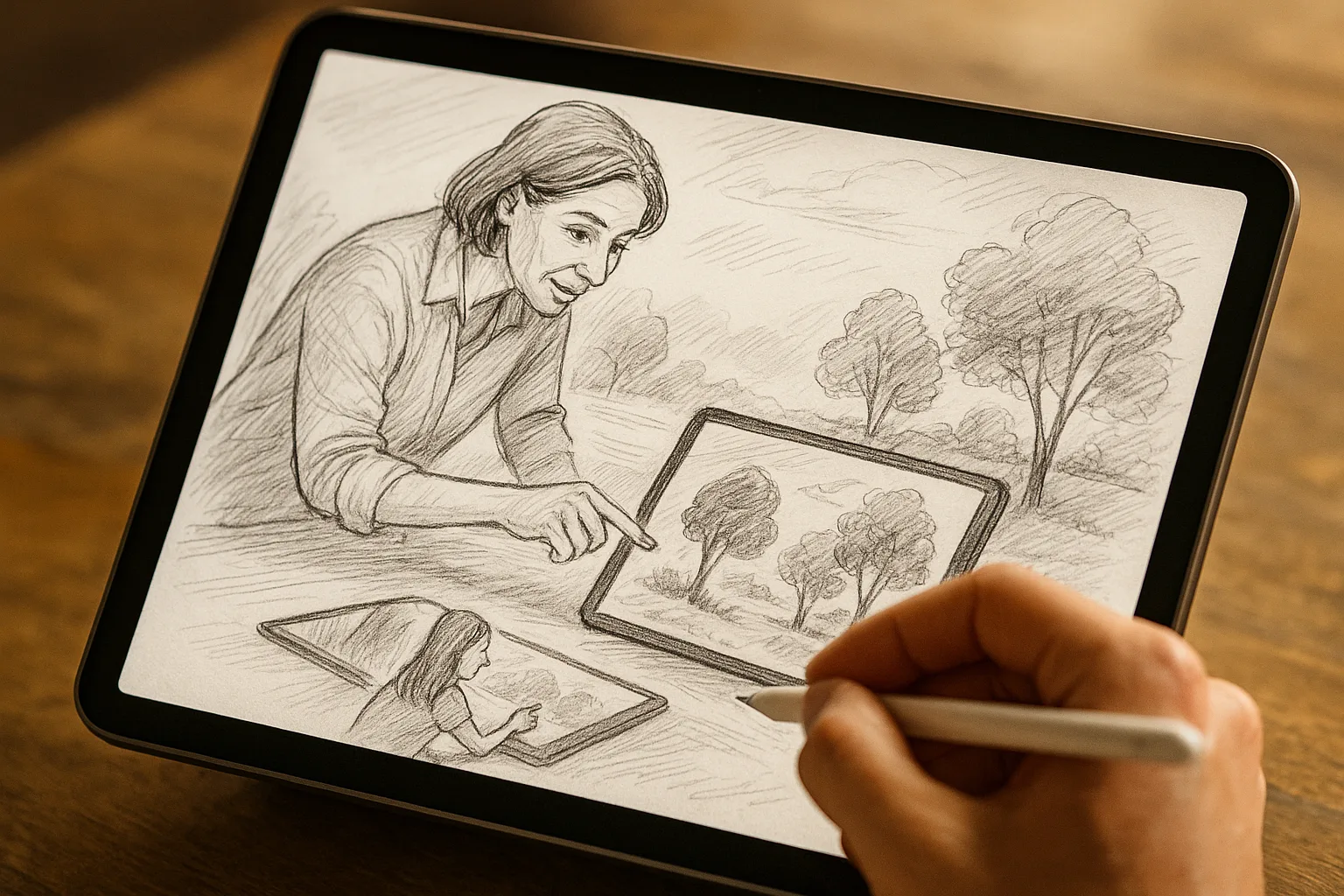
Why Samara is perfect for digital landscape sketching
Samara offers dramatic contrasts—broad stretches of the Volga River, the Zhiguli (Zhiguly) hills, long embankments, Stalinist architecture and leafy parks. These mix natural forms and strong man-made geometry, ideal for practicing composition, lighting and texture while using the flexibility of an iPad and Procreate.
Essential gear and setup
— iPad: any recent iPad Pro, Air, or standard iPad with Apple Pencil support. Higher refresh rates (120 Hz) give smoother strokes.
— Stylus: Apple Pencil (1st or 2nd gen). Adjust pressure curve in Procreate > Actions > Prefs > Pressure.
— Stand and screen protector: paper-like screen protector (e.g., matte) for tactile feedback.
— Power + backup: keep extra battery or charger for long sketch sessions on the embankment.
Procreate canvas & app settings
— Canvas size: 300–600 DPI if you plan to print. For quick practice, 3000–4000 px on the longest side is fine.
— Color profile: sRGB for web, Adobe RGB/ProPhoto if you need wider gamut (for print).
— Drawing Guide > Perspective for streets and embankment lines; use 1- or 2-point perspective.
— Reference panel: Actions > Add > Insert a photo or use Reference canvas to keep photos visible.
— QuickShape: hold a stroke to snap to straight lines or shapes (great for city geometry).
Recommended brush kit (Procreate)
— Sketch: Technical Pencil / 6B Pencil for loose linework.
— Block-in: Flat Round or Hard Brush for shapes.
— Texture: Grainy Brush / Noise brushes for river/stone texture.
— Foliage: Round Leaf / Scatter brushes.
— Water & sky: Soft Airbrush + Watercolor brushes.
— Details & highlights: Small Hard Brush or Studio Pen.
Adjust StreamLine (stabilization) for smoother curved strokes.
Workflow: a fast 30–minute landscape sketch
1. 0–3 min — Thumbnails: 3 small compositions to pick the best silhouette (river curve, hill, focal point).
2. 3–8 min — Block values: big shapes of light/dark, establish horizon and major masses.
3. 8–18 min — Refine forms: define planes (buildings, hill slopes), add mid-values and local color.
4. 18–25 min — Texture and atmosphere: add foliage texture, water strokes, soften distant hills.
5. 25–30 min — Details and accents: crisp edges, highlights, small architectural details, final color tweak.
Layering strategy
— Layer 1: Sky and background atmosphere (lowest).
— Layer 2: Distant hills and major shapes (reduced saturation, lighter value).
— Layer 3: Midground forms (trees, buildings).
— Layer 4: Foreground details and textures.
— Layer 5: Highlights, glints on water, final marks.
Use Clipping Masks and Alpha Lock for controlled shading and clean edges.
Tips for painting Samara scenes
— Volga water: establish broad horizontal strokes for reflections; use a softened horizontal smudge and add small ripple highlights on a separate layer.
— Atmospheric perspective: desaturate and lighten distant Zhiguli hills; shift hue slightly toward blue.
— Emmbankment & promenade: use perspective guide for lamp posts and railings; contrast warm late-afternoon sunlight on facades with cooler shadows.
— Trees and parks: paint leaf masses with a textured scatter brush, then dot-in light through leaves for dappled effect.
— Snow scenes: keep sky warmed slightly to avoid clinical white; use subtle blue-gray shadows and tiny warm highlights from streetlamps.
Color palettes (sample hex swatches)
— Volga day: #1F6AA5 (deep water), #7FB7E6 (shallow water), #EDE9E3 (river reflections)
— Sunset embankment: #F2A65A (warm glow), #5C3B2E (brick/stucco shadow), #2B1F3A (deep shadow)
— Winter palette: #E8EEF6 (snow), #9BB3D6 (atmospheric distance), #C9BEB6 (stone)
Use slight hue shifts for distance (toward blue) and for warmth (toward orange) in foreground light.
Procreate techniques worth mastering
— Alpha Lock: paint within existing shapes for fast shading.
— Clipping Mask: add color or texture to a base form without changing other layers.
— Gaussian Blur (Adjustments): create soft depth or fog.
— Perspective Assist (Drawing Guide): draw accurate embankments, stairs, and streets.
— Animation Assist: make simple time-lapse or a moving cloud study.
Composition ideas specifically in Samara
— Volga bend at sunrise with a silhouetted lighthouse and long river reflections.
— Embankment cafe scene with people, benches and tram rails receding in perspective.
— Zhiguli hills across the river at late afternoon with long shadows.
— Monument of Glory or local Stalin-era façades under dramatic sky.
Exporting and sharing
— For print: Export at 300+ DPI, TIFF or PSD for color fidelity.
— For web: Export PNG or JPEG, sRGB, and resize to 2048 px on the long edge.
— Share time-lapse: Procreate automatically records time-lapse; export via Actions > Video > Export Time-lapse.
Practice exercises (daily mini-routines)
— 10-minute silhouette sketches: capture the curve of the Volga and main mass of Zhiguli.
— 20-minute light study: same scene at different times of day (morning, noon, dusk).
— Texture drill: 15 minutes of only foliage and stone textures using three brushes.
— Palette challenge: limit to 4 colors and depict the embankment mood.
Final notes
Work on-site when possible—Procreate is excellent for plein air digital sketching: fast, forgiving and infinitely editable. If painting from photos, keep a small reference panel and aim to simplify rather than replicate every detail. Focus on composition, value and color relationships; the digital tools will help you iterate quickly and capture the spirit of Samara.